
Mac mini VS MacBook: Which One Is Best For Music Production?
If you’re choosing between a Mac mini and a MacBook for music production, you’re not really choosing between “power” and “portability” in the abstract. Both machines are more than capable of running modern DAWs, large plugin chains, and demanding sessions. The real decision comes down to where your work happens, how fixed your setup is, and how much performance headroom you want for the money. At a high level, the tradeoff is simple. The Mac mini generally offers more sustained performance per dollar and fits naturally into a dedicated studio setup, but it only works where it’s installed. The MacBook is more expensive at comparable performance tiers, yet it can function as both a studio computer and a fully mobile production rig. Neither option is inherently better — they’re optimized for different ways of working. This post takes a big-picture view first, then zooms in on the details that actually affect producers and beatmakers: performance under load, memory, portability, connectivity, and overall cost. The goal isn’t to push one choice over the other, but to make the tradeoffs clear enough that the right option becomes obvious for your own workflow.
TL;DR — the big picture
If you strip this decision down to its essentials, it looks like this:
Mac mini: more performance per dollar, fewer compromises in a fixed studio, and more room to grow over time — as long as you’re working somewhere with a screen and a power outlet.
MacBook: higher cost at comparable performance levels, but far more flexible — capable of being your studio machine, mobile writing rig, and session computer all at once.
Once that’s clear, the rest of the comparison is about how much those differences matter to you in practice.
What each machine is fundamentally optimized for
Before getting into performance or configurations, it helps to look at what each machine is actually designed to support in real use. The Mac mini and the MacBook can both be moved, but they make very different assumptions about how often that happens and how much setup you’re willing to carry with you.
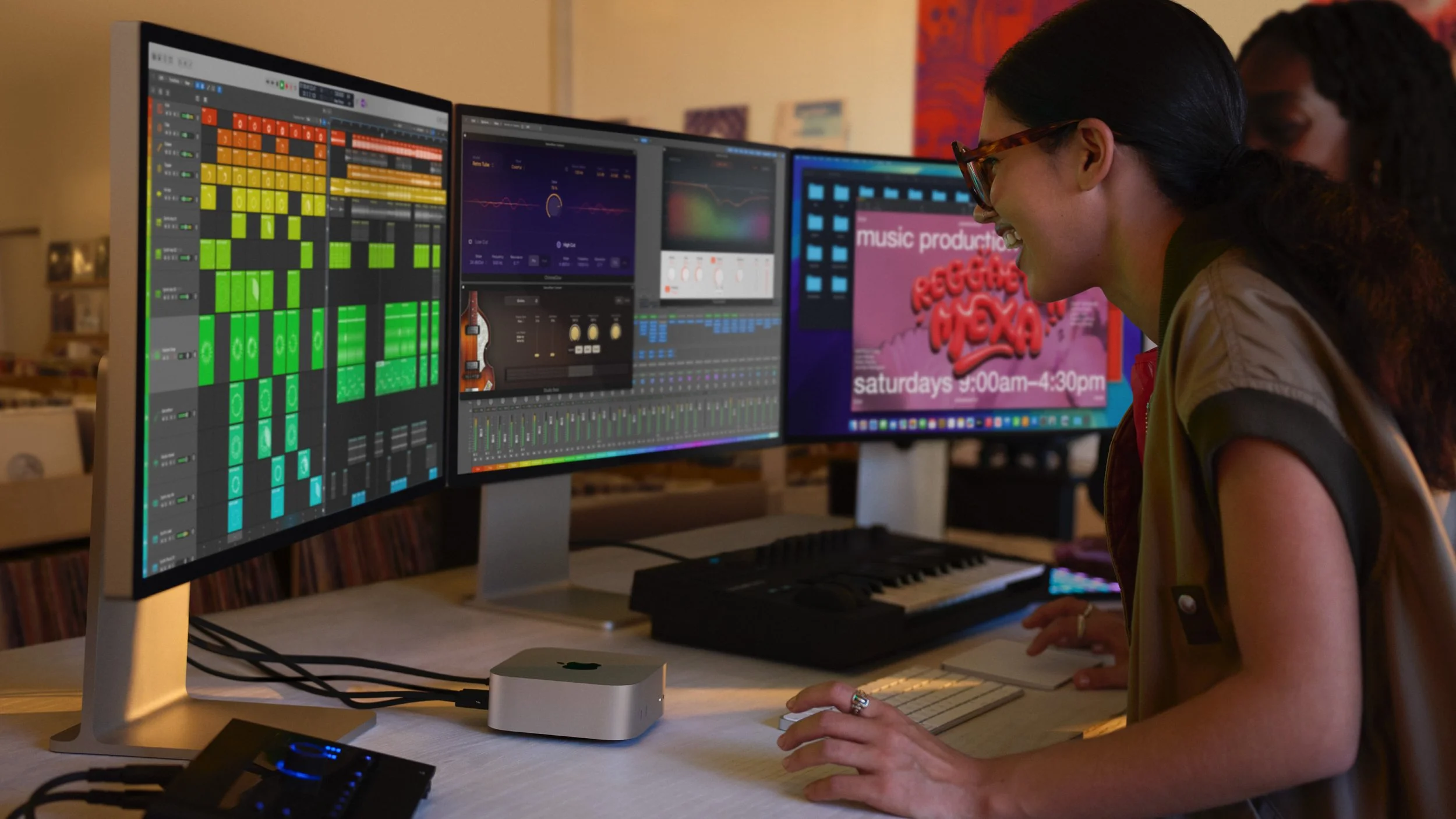
The Mac mini is optimized for a stable, accessory-dependent workspace. It assumes external displays, an audio interface, and peripherals that stay connected most of the time. While it can technically be moved, doing so usually means disconnecting and reconnecting multiple components, which adds friction. In exchange, the Mac mini prioritizes consistency and sustained performance. For producers, that often translates to a system that feels predictable during long sessions and less sensitive to project complexity as tracks and plugins accumulate.
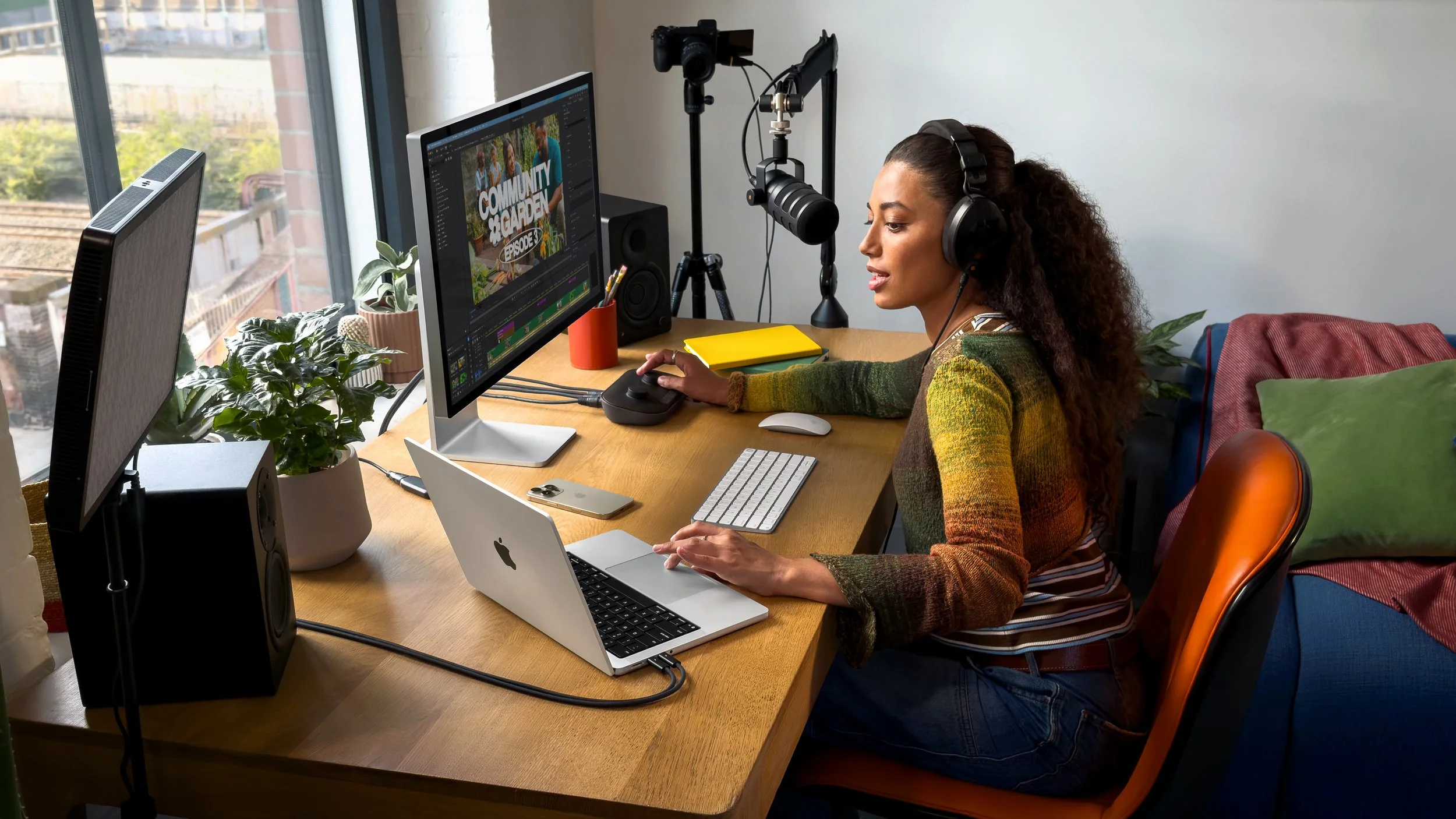
The MacBook is optimized for self-contained continuity. Screen, keyboard, trackpad, battery, and speakers are all built in, so moving the machine doesn’t require rebuilding the setup each time. That design favors workflows where location changes are common or unpredictable. The key advantage isn’t just portability, but keeping the entire project and environment intact wherever you open it. That convenience comes at a higher cost and with tighter constraints under sustained heavy workloads, but it removes many logistical steps from the creative process.
Neither approach is inherently better. The Mac mini favors depth, stability, and efficiency when your setup stays mostly intact. The MacBook favors fluid transitions between environments with minimal setup overhead. Every other difference in this comparison flows from that core design choice.
Performance realities: where differences actually surface
In everyday music production, both the Mac mini and the MacBook are fast enough to run modern DAWs, heavy plugin chains, and large sessions. The difference isn’t about whether a project opens or plays back — it’s about how much margin you have before the system starts pushing back.
The Mac mini generally handles sustained workloads more comfortably. With fewer thermal and power constraints, it tends to maintain performance during long sessions, dense arrangements, and extended exports. For producers, that usually shows up as less need to manage buffers, freeze tracks, or restructure projects as they grow. It’s not that the Mac mini is dramatically faster in short bursts, but that it stays consistent over time, which matters when you’re deep into a session.
A MacBook can absolutely handle demanding projects, but it operates within tighter limits for the money. Under prolonged load, performance management becomes more visible through fan behavior and thermal headroom, especially when working away from external power. This doesn’t make the MacBook unreliable, but it does mean the ceiling arrives sooner, and you’re more likely to adjust how you work to stay within it.
Memory plays a parallel role. Unified memory determines how smoothly large sample libraries, layered instruments, and complex routing behave. Once you hit that limit, performance doesn’t degrade gently — it forces workflow changes. Because desktop-style configurations often allow more memory headroom at a given price, the Mac mini can offer extra breathing room for larger or more complex projects, even when CPU performance feels similar on paper.
Portability vs setup stability
This is where the practical differences between a Mac mini and a MacBook become most visible in daily use. Both machines can be part of a serious production setup, but they encourage very different relationships with your workspace.
The Mac mini is built around a stable, accessory-driven environment. Displays, audio interfaces, controllers, and external drives are typically connected once and left in place. While the machine itself can be moved, doing so usually involves disconnecting and reconnecting multiple components, which adds friction. In return, the setup feels consistent and predictable, with fewer interruptions once everything is in place. For producers who spend long stretches in the same space, that stability often supports deeper focus and fewer technical distractions.
The MacBook treats location as variable. Because the screen, keyboard, trackpad, and battery are integrated, the system remains usable regardless of where it’s opened. That design favors short sessions, remote recording, collaboration, and writing outside the studio, without the overhead of rebuilding a setup. The advantage isn’t just convenience, but the ability to keep working without planning ahead.
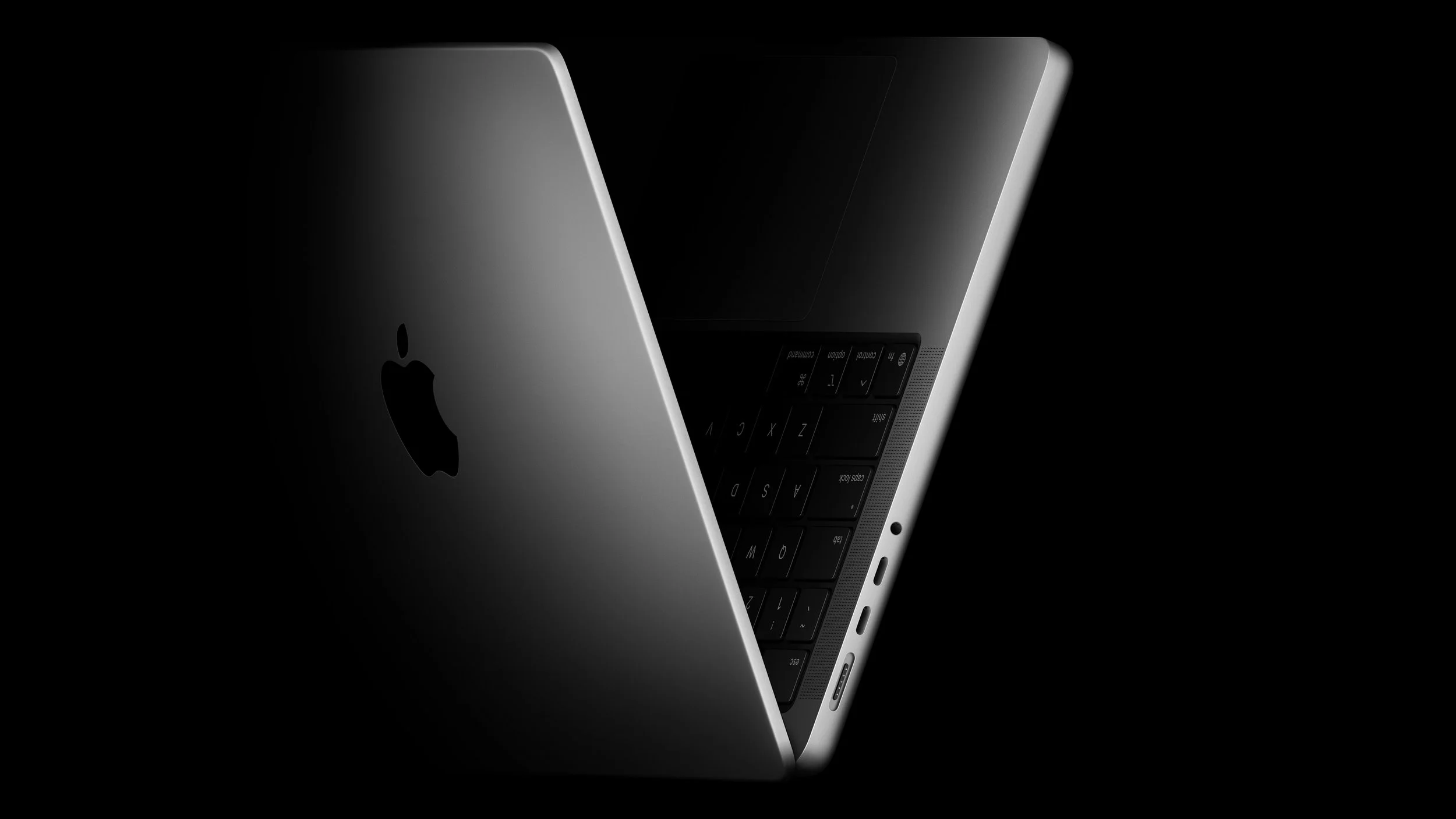
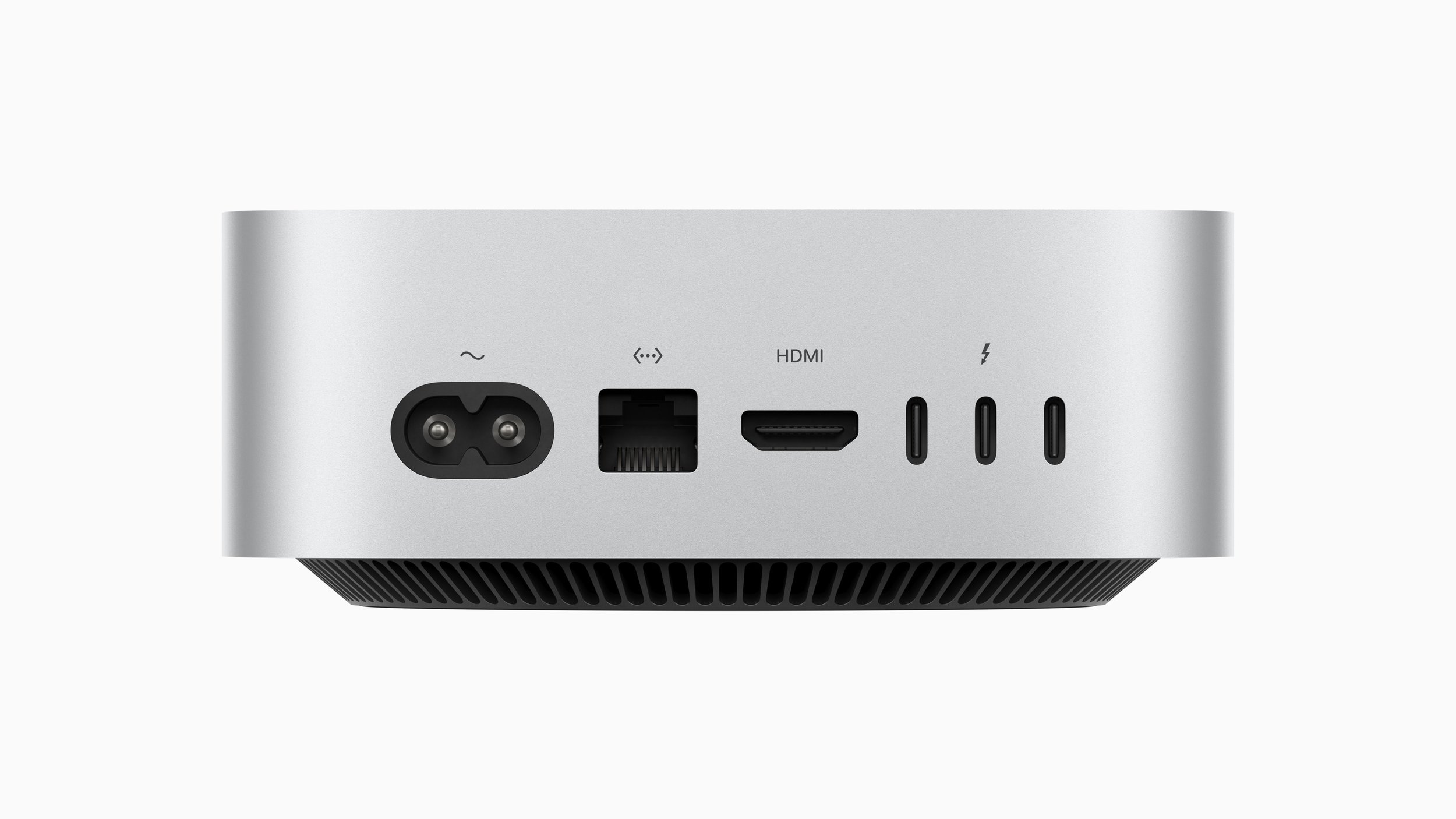
That flexibility does introduce tradeoffs. Portable workflows often rely on adapters, docks, or switching between connected and disconnected states, which can subtly change how a setup behaves. Whether that matters depends on how central portability is to your process. If moving between locations is common, the MacBook removes friction. If it’s rare, the Mac mini’s stable setup often feels simpler over time.
Cost framing: what you’re actually paying for
Comparing a Mac mini and a MacBook on price alone can be misleading. The more useful question is what each purchase is actually allocating your budget toward.
A Mac mini is priced as the computer itself, with the expectation that displays, input devices, and studio gear already exist or will be chosen separately. When that’s the case, more of the budget goes directly toward CPU and memory headroom, which often results in better performance per dollar and a system that stays comfortable longer as projects grow. For producers with an established setup, this can make the Mac mini feel like a more efficient long-term investment.
A MacBook bundles the computer with a display, battery, keyboard, trackpad, and speakers, along with the ability to work without external gear. Even if it’s mostly used at a desk, that self-contained design carries real value, especially if it replaces the need for a second machine or reduces reliance on a fixed workspace. In this context, the higher price reflects completeness and flexibility rather than wasted capability.
The key distinction isn’t which option is cheaper, but where the cost is concentrated. The Mac mini emphasizes raw capability and longevity, while the MacBook emphasizes mobility and self-sufficiency. Understanding that tradeoff upfront helps set realistic expectations once the machine becomes part of daily work.
Which one makes sense in practice
At this point, the technical differences mostly serve to clarify a simpler question: how fixed is your workflow, and how often does it need to move.
If most of your work happens in one place, the Mac mini tends to make more sense. It favors stability, consistency, and performance headroom within a setup that stays intact over time. You connect everything once, build muscle memory around your space, and work without thinking about adapters, battery levels, or changing ergonomics. For producers who spend long, focused stretches inside a DAW, that predictability often matters more than flexibility.
If your work regularly moves between locations, the MacBook’s strengths become harder to ignore. Being able to open the same session anywhere without planning transfers or rebuilding a setup removes friction that can quietly slow projects down. Writing away from the studio, recording in different rooms, or collaborating in person all become easier when the entire system travels with you, even if that means paying more for comparable performance.
There’s also overlap. Some producers use a MacBook as a mostly docked studio machine, with the option to unplug when needed. Others pair a Mac mini with a lighter secondary setup for sketching ideas. Neither approach is a compromise — they’re different ways of prioritizing continuity versus depth.
In the end, choosing between a Mac mini and a MacBook isn’t about which one is more “professional.” It’s about choosing the machine that introduces the least friction into the way you already work. The better option is the one that fades into the background, letting you focus on making music instead of managing the computer underneath it.
Disclosure: This site contains affiliate links. If you purchase through these links, I may earn a commission at no extra cost to you.