
Hercules DJControl Starlight Review: Is This the Mini Controller for You?
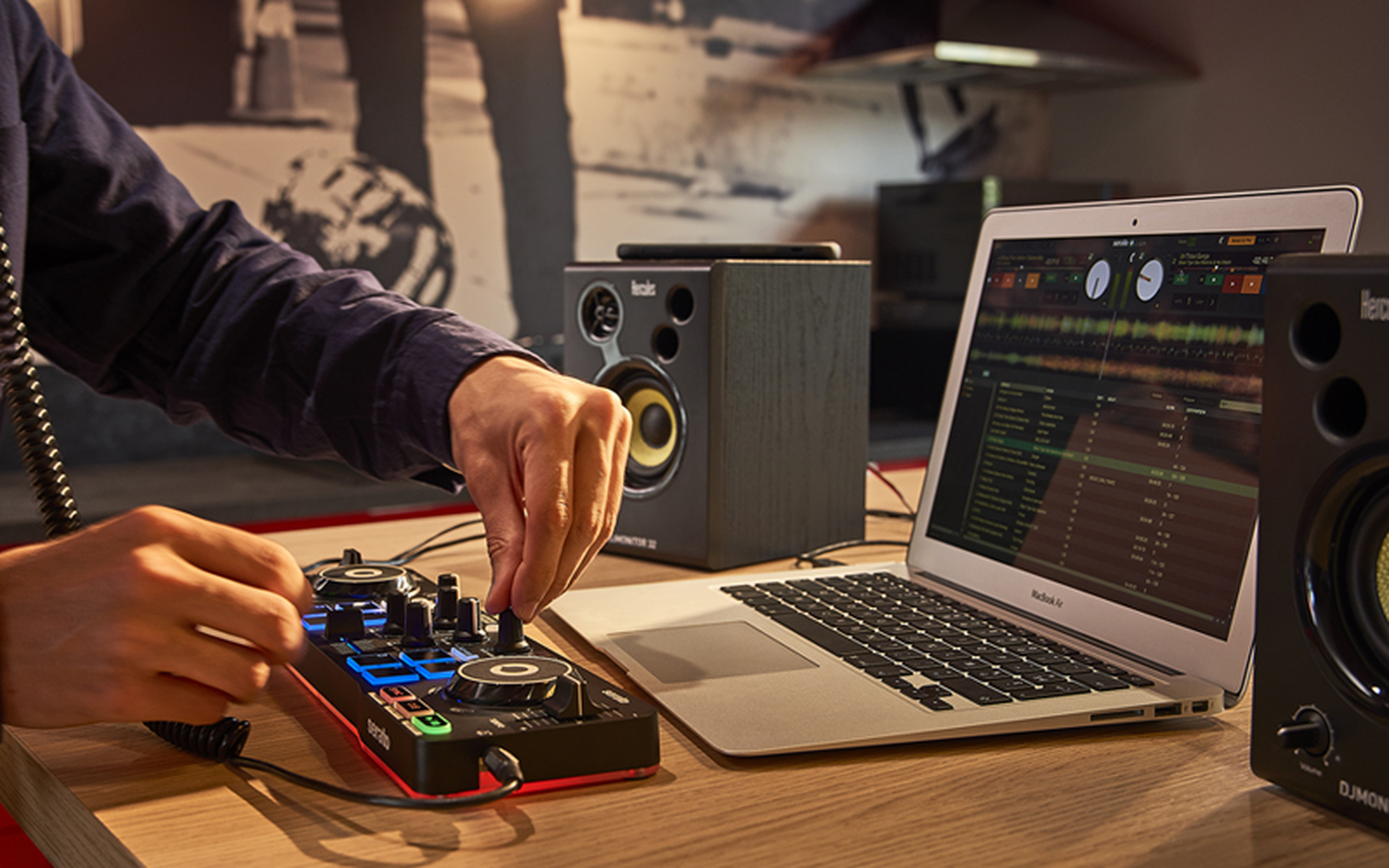
The Hercules DJControl Starlight is a tiny, entry-level 2-deck DJ controller built for one main thing: giving you a real way to practice DJing anywhere, without needing a full-size setup. It’s designed around portability first, but it still covers the essentials—two jog wheels, a mixer section, basic EQ-style controls, and performance pads—so you can learn the fundamentals of mixing instead of just tapping play and hoping for the best. It also includes a built-in audio interface, which matters a lot at this price because it means you can properly cue in headphones while your main output plays through speakers. Out of the box, the Starlight is primarily aimed at Serato DJ Lite users, and it’s one of the most compact controllers that still feels like “real DJ gear” rather than a toy. It’s not trying to compete with full-size controllers like the DDJ-FLX4, and it’s not meant to be a club-standard piece of hardware. The appeal is simple: it’s small enough to live in a backpack, quick enough to set up anywhere, and complete enough to build real skills—especially if you want a controller for practice sessions, travel, casual hangouts, or a second backup option that doesn’t take up space.
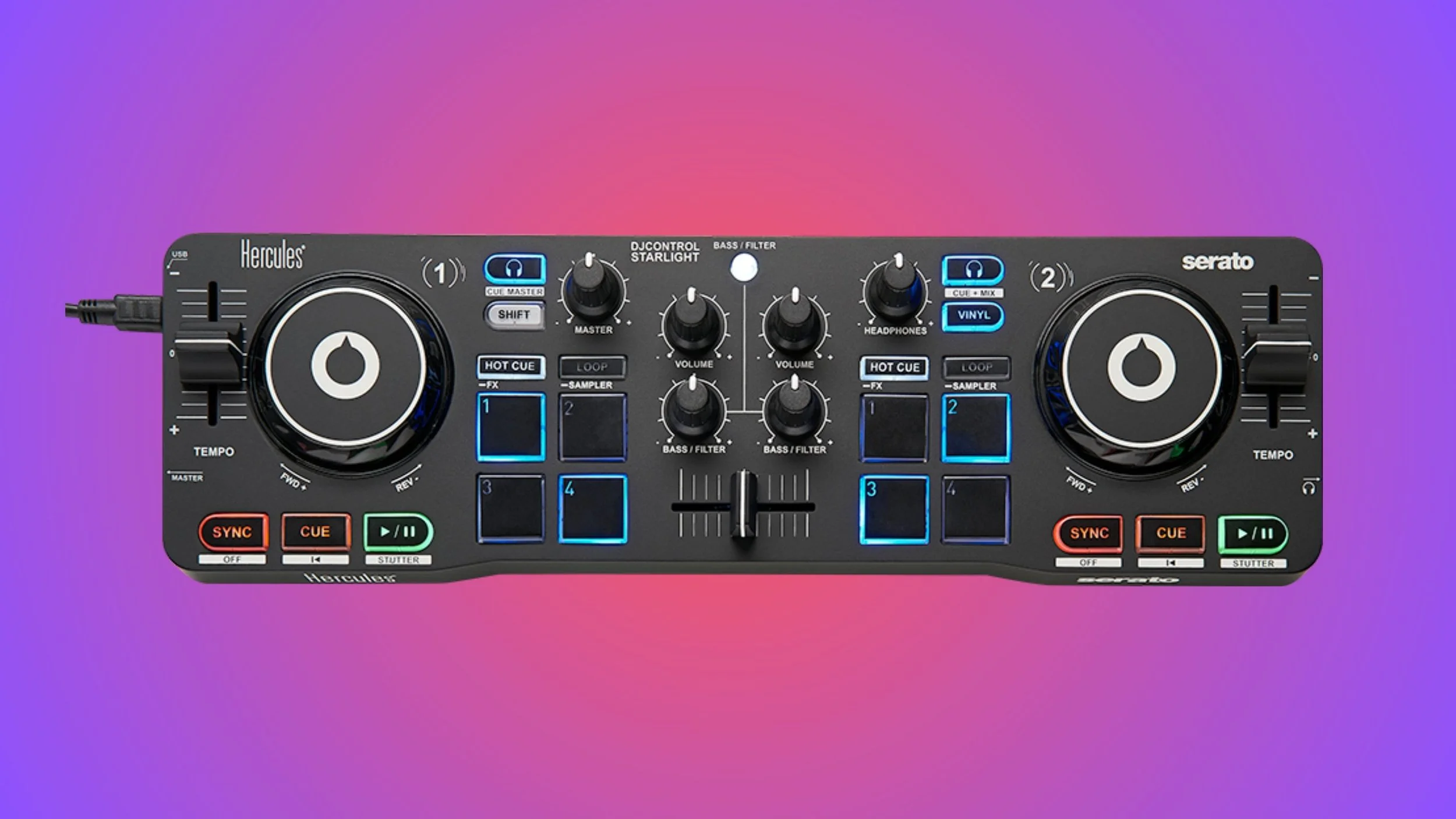
What the Hercules DJControl Starlight actually is (and what it includes)
The Hercules DJControl Starlight is a genuinely portable 2-deck, 2-channel DJ controller built for beginners, travel, and “practice anywhere” setups. It’s small enough to feel like a backpack accessory, but it still gives you the core tools that make DJing feel real: jog wheels for nudging and basic scratching, a compact mixer section for blending two tracks, and performance pads for cue points and loops. The key technical detail that separates it from a lot of cheap micro-controllers is that it includes a built-in audio interface, so you can cue in headphones while your main output plays—meaning you can actually learn proper DJ habits instead of mixing blind.
In terms of layout, the Starlight is designed to feel familiar if you’ve ever touched a full-size controller, just compressed down. You still get a crossfader, short pitch faders for tempo changes, and dedicated deck controls so you’re not forced to do everything on the laptop. The performance section is simple but useful: each deck has four pads, which is enough to make hot cues and quick loops feel immediate without pretending it’s a full performance controller. The mixing controls are also intentionally streamlined, which keeps it approachable, but it also hints at what the Starlight is really for: learning transitions, phrasing, and clean blends more than doing complex “hands-on FX” routines.
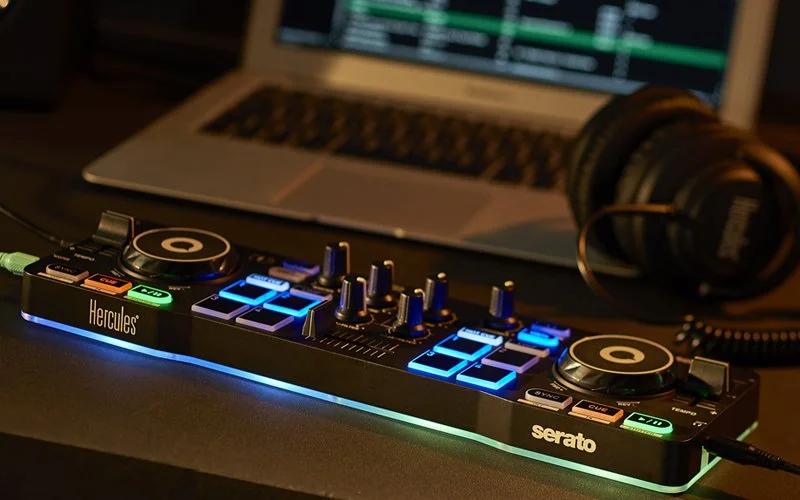
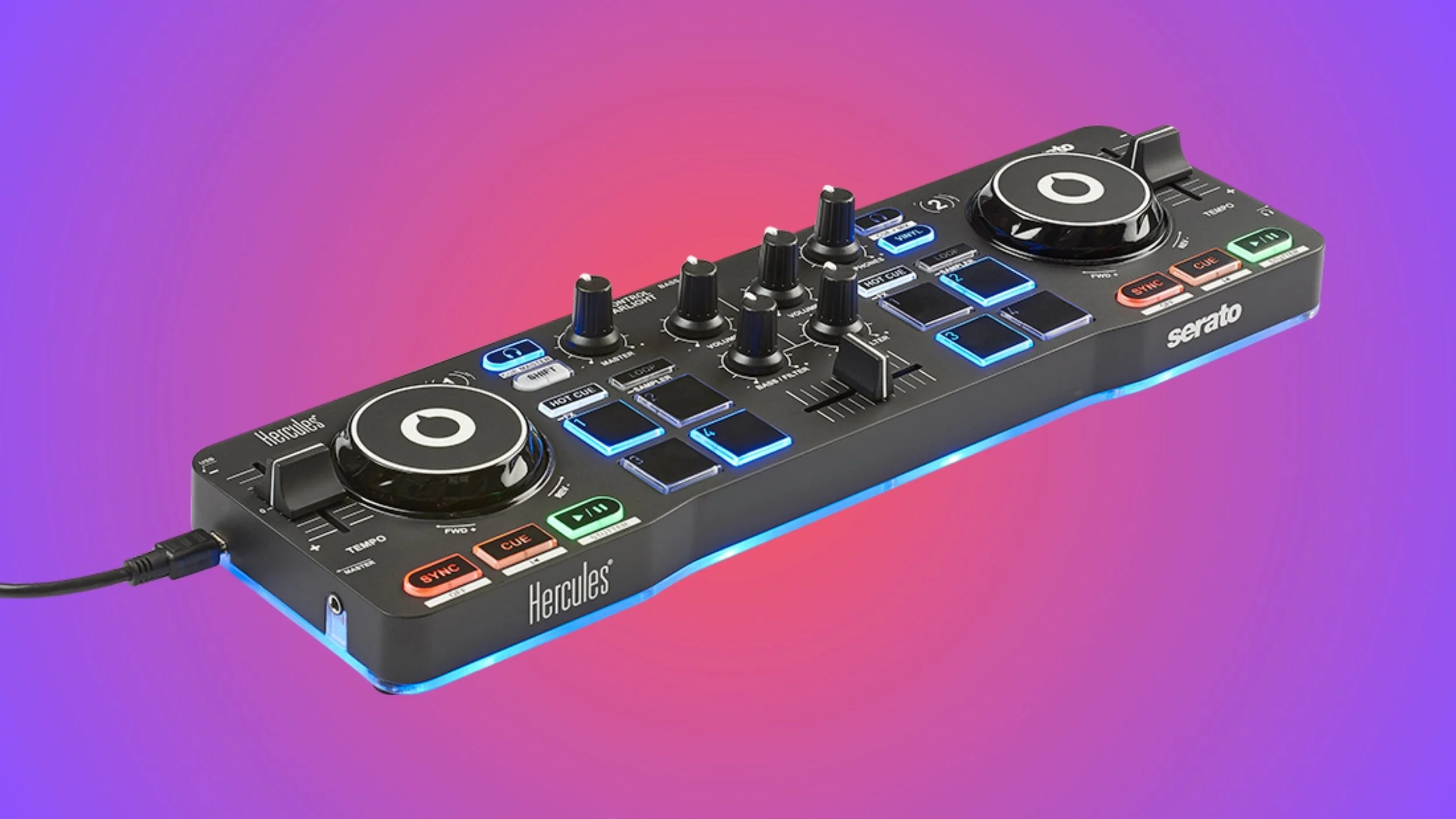
The Starlight’s signature feature is its RGB underglow lighting, which gives it a visual personality most beginner controllers completely ignore. It doesn’t change what the controller can do, but it does make it more fun to use—and that matters when the whole point is staying motivated enough to practice. It’s also USB bus-powered, so you can plug it into a laptop and go with no power brick, making it a realistic option for hotel rooms, backstage practice, casual hangouts, or as a backup controller that takes up almost no space.
How it feels to DJ on (controls, layout, performance)
For such a small controller, the DJControl Starlight does a surprisingly good job of feeling like you’re actually DJing, not just clicking around in software. The layout is tight, but it’s organized in a way that makes sense: decks on the sides, mixer in the middle, and performance controls where you expect them. The jog wheels are obviously smaller than what you’d get on a full-size controller, but they’re responsive enough for the kind of work this controller is meant for—nudging tracks into place, doing small timing corrections, and practicing basic cueing and phrasing. You can even scratch on it in a casual way, but it’s more of a “learn the motion and timing” controller than something built for serious scratch routines.
The mixer section is where the Starlight shows both its strengths and its limits. You can do real blends, cut between tracks, and practice transitions properly, but the controls are simplified compared to larger controllers, so you’re not getting that full “club mixer” feeling. The upside is that it keeps you focused on the fundamentals: levels, timing, and clean changes. The crossfader is there and totally usable for quick cuts, and the channel faders give you enough control to mix with intention instead of just slamming tracks in and out.
The performance pads are small but meaningful, because they let you interact with your set in a way that doesn’t feel like laptop DJing. Having four pads per deck is enough for the most important moves—setting hot cues, triggering loops, and working with basic performance modes—without overwhelming a beginner. It’s not the kind of controller that encourages super technical finger-drumming or complex pad routines, but it gives you the right amount of hands-on control to build muscle memory and start feeling confident behind decks. The overall experience is that the Starlight feels limited in the ways you’d expect from its size, but not in the ways that stop you from improving.

Workflow, setup, and who it’s actually for
In real use, the Hercules DJControl Starlight makes the most sense as a controller you can set up instantly and start mixing on without friction. It’s designed around Serato DJ Lite, so the workflow is straightforward: load tracks, set cues, loop sections, and practice transitions without fighting the software or needing extra gear just to get started. Because it includes a built-in sound card, you can use it the “right” way—headphones for cueing, speakers for the main output—which is a big deal for beginners. It means you can actually develop the habit of previewing a track, lining it up, and bringing it in cleanly, instead of relying on visual waveforms and guessing.
Where the Starlight starts to show its limits is when your mixing style becomes more detailed or more performance-heavy. You can absolutely DJ with it, but you’re working with a compact control surface and simplified mixing controls, so things like fast EQ work, deep effects routines, or more technical performance workflows will feel cramped compared to stepping up to something like a DDJ-FLX4-style layout. The connections are also built for convenience rather than pro booths, so if you’re plugging into speakers or a PA system, you may need adapters depending on what you’re connecting to. None of that is a dealbreaker for the controller’s intended purpose, but it’s the kind of limitation that matters once you start thinking beyond bedroom practice.
So the best way to frame the Starlight is as a controller for DJs who want something that stays easy to use and easy to carry. It’s ideal for beginners who want to learn properly, producers who want a small controller to practice DJing between studio sessions, or experienced DJs who want a compact backup controller they can throw in a bag. If you’re looking for your “main” controller for regular gigs, or you already know you want full-size jog wheels, more hands-on effects control, and a more complete mixer feel, you’ll probably outgrow it quickly—but as a portable practice tool that still teaches real skills, it does its job extremely well.
Alternatives worth considering
If you like the idea of the Starlight but you’re not fully sure it’s the right fit, the most useful alternatives are the ones that either keep the same “ultra-portable” concept, or give you a bigger, more future-proof layout for not much more money. The closest vibe match is the Numark DJ2GO2 Touch, which is also tiny and travel-friendly, and works well as a simple practice controller. It’s a good pick if you want something minimal for basic mixing, but it tends to feel more like a utility controller than something you’ll enjoy performing on, and the overall experience is less “complete” than the Starlight’s Serato-focused layout.
If you’re willing to go slightly bigger, the most obvious upgrade is the Hercules DJControl Inpulse 200 MK2. It’s still beginner-priced, but it feels much closer to a “real” full-size controller layout, with more breathing room for your hands and a workflow that’s easier to grow into. Another strong step-up option is the Pioneer DJ DDJ-FLX2 or DDJ-FLX4 depending on your budget: these are more expensive, but they’re popular for a reason, and they make sense if you want one controller that can carry you from first mixes into longer-term progress without immediately feeling like you need to upgrade.
Pros & Cons
Pros
Extremely portable and lightweight — easy to carry anywhere.
Includes a built-in audio interface that supports proper headphone cueing.
Pairs with Serato DJ Lite and feels more like “real DJ gear” than many micro controllers.
Performance pads and jog wheels give hands-on control for mixing fundamentals.
RGB lighting adds a fun, engaging vibe during use.
Cons
Simplified mixing section with limited controls compared to larger controllers.
Outputs and connectivity are basic and may require adapters for common PA speakers.
Small jog wheels and compact layout aren’t ideal for advanced or technical performance.
Not the best choice as a primary controller for regular gigs if you plan to grow quickly.
Who is the DJControl for?
The Hercules DJControl Starlight is one of the best examples of what a mini controller should be in 2026: small enough to take anywhere, but complete enough to build real DJ skills. It’s not trying to replace a full-size setup, and it doesn’t pretend it can do everything—but it gives you the core workflow that matters, including proper cueing, hands-on control, and a layout that makes sense if you eventually move up to bigger gear.
If you’re a beginner who wants something you’ll actually use often, a producer who wants to sharpen DJ fundamentals without committing desk space, or a DJ who wants a travel-friendly backup controller, the Starlight is an easy recommendation. If you already know you want full-size jog wheels, deeper mixer control, and a controller you can confidently bring to regular gigs without compromises, it’s smarter to skip ahead to a more complete model.
Disclosure: This site contains affiliate links. If you purchase through these links, I may earn a commission at no extra cost to you.