
Mac Mini M6 and M5 Pro: Should Producers Actually Upgrade?

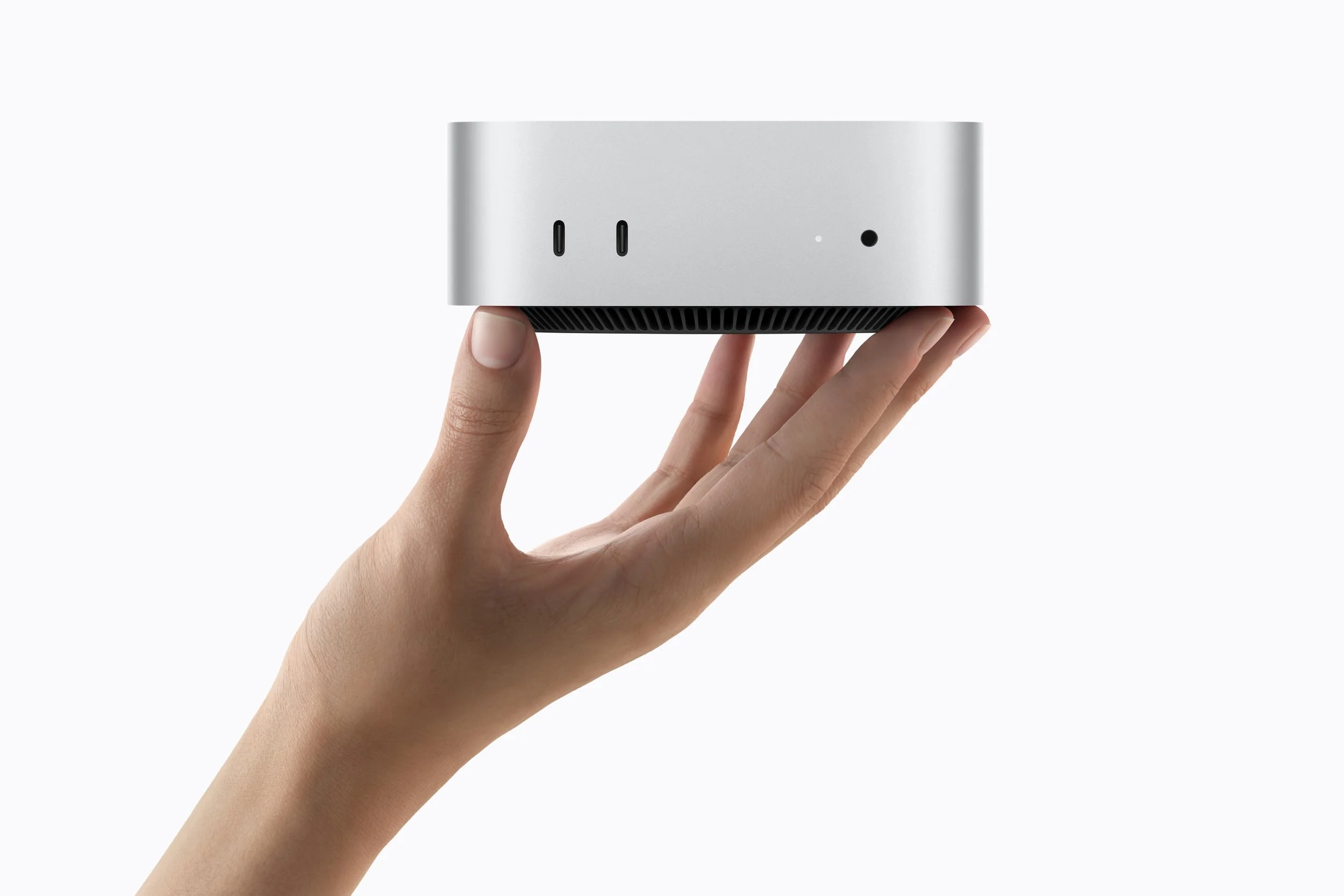
Apple just refreshed the Mac mini, and for once it's not a minor spec bump. There are now two distinct chips on the table — M6 and M5 Pro — and they're not just faster versions of last year's mini, they're aimed at two different kinds of studio problem. For most producers, the thing that eventually forces an upgrade isn't raw CPU speed — modern Apple silicon has had more than enough headroom for real-time synthesis and mixing for a few generations now. It's memory. Once your sample libraries, sends, and plugin instances outgrow your unified memory pool, you start hearing it: dropped voices, stalled bounces, a DAW that hesitates every time you open a new Kontakt instance.
The previous Mac mini topped out at 32GB (48GB on the Pro configuration), which was fine for a synth-and-sampler setup but tight the moment you leaned into big orchestral or cinematic libraries, or ran a dozen instances of anything memory-hungry at once. That's the gap this refresh actually closes — but only on one of the two chips. The base M6 is a speed upgrade. The M5 Pro is a memory upgrade. Knowing which one you actually need is the difference between a worthwhile purchase and an expensive way to fix a problem you don't have.
Click here for more info about Apple computers and to check the current deals.
First, figure out if you're actually memory-limited
Before picking a chip, check what's actually happening in your sessions right now. Open Activity Monitor while you're working on a heavy project and watch memory pressure. If it's sitting in the yellow or red, or if you're hearing:
Voices cutting out or samples not triggering when a Kontakt/EXS/Battery instance is fully loaded
Your DAW stuttering or freezing for a second when you add a new instrument track
Bounces or freezes taking noticeably longer than they used to
Having to bounce tracks to audio and disable plugins just to keep a session playable
...that's memory pressure, not CPU load. No amount of extra CPU cores fixes that. This is the actual test for which chip you need — not "how many tracks do I usually run," but "does my current machine choke on my biggest sessions."
If none of that happens to you, keep reading, but know upfront that you're probably in "don't upgrade yet" territory.
The M6: a faster everyday machine
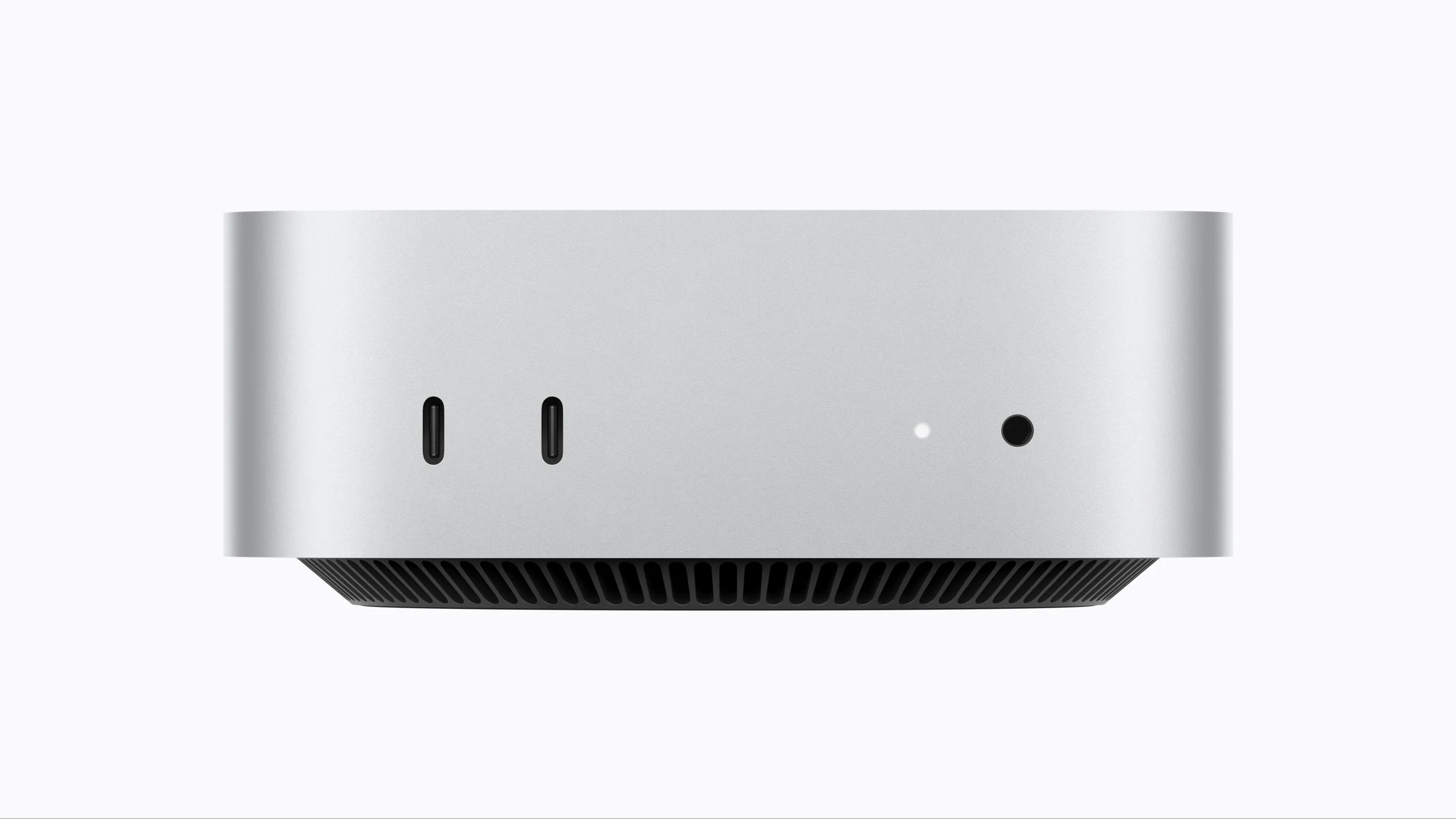
The base M6 mini gets a 12-core CPU (two more cores than before) and a 12-core GPU with Neural Accelerators built into every core for the first time on this machine. Unified memory tops out at 32GB, with bandwidth bumped to 170GB/s.
In practice: your DAW opens faster, plugin scans are quicker, and everyday mixing with a moderate plugin count (a handful of synths, some sends, a mastering chain) will feel snappier. But 32GB is still the ceiling — the same ceiling the previous mini had. If your sessions are already tight on memory, this chip doesn't touch that. You'll get the same dropouts, just slightly faster up until the point they happen.
Concretely, the M6 is for you if: you're on an M1 or M2 mini, your sessions top out around 30-40 tracks with a normal mix of synths/samplers/effects, and you've never actually hit a memory wall — you just want things to feel faster.
Skip it if: you're already maxed out on RAM symptoms above. This won't fix that, and you'd be spending money to hit the same wall slightly faster.
The M5 Pro: the one that actually changes what's possible
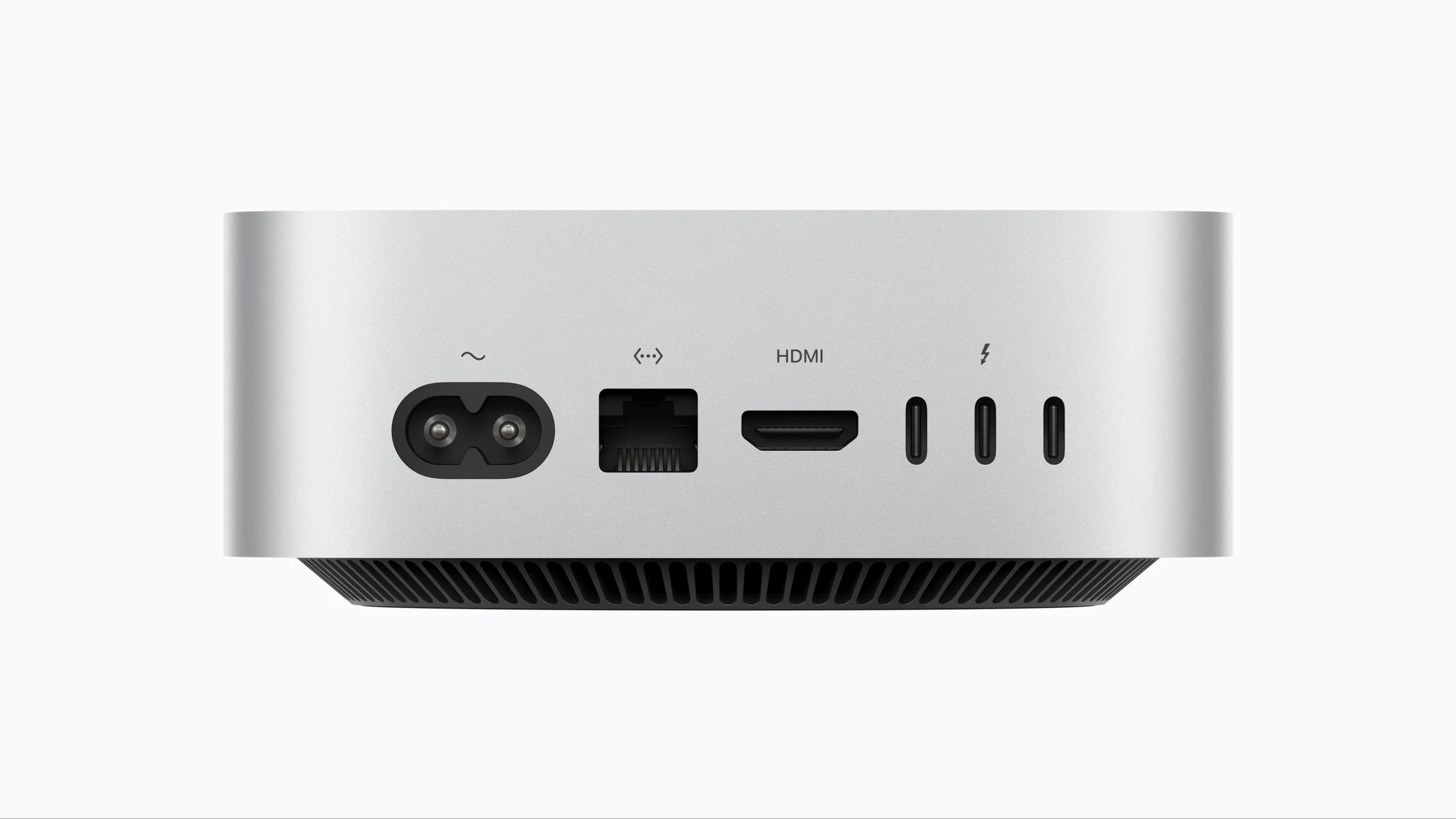
This is the interesting one. M5 Pro brings an 18-core CPU, a 20-core GPU with third-gen ray tracing and Neural Accelerators in every core, and — the number that matters most for producers — up to 64GB of unified memory with 307GB/s of bandwidth.
64GB in practice means you can load a large orchestral or cinematic library (think several gigabytes of multi-mic'd samples), keep a dozen-plus plugin instances active, and run a big multitrack session simultaneously without the swapping and dropout issues that show up once you cross 32GB. It's also enough headroom to run local AI tools — stem separation, mastering assistants, sample generation — as background processes without them competing with your DAW for memory.
Thunderbolt 5 is also new here, useful if you're running external SSDs to host large sample libraries rather than keeping everything on the internal drive.
Concretely, the M5 Pro is for you if: you regularly work with large sample-based instruments (orchestral, cinematic, or deeply multi-sampled libraries), you run sessions with 15+ simultaneous plugin instances, or you've caught yourself thinking "I should get a Mac Studio just for the RAM." This chip is built for exactly that use case, at a fraction of a Studio.
Skip it if: your heaviest sessions are synth-and-drum-machine based with a normal effects budget. You're paying for headroom you'll never touch, and the base M6 (or even your current machine) is doing the job fine.
So who should upgrade?
On an M1/M2 mini, sessions feel fine but sluggish: You can upgrade to the M6. Real, noticeable jump, nothing more complicated to it.
Hitting memory pressure with big libraries or dense sessions: You might want to upgrade to the M5 Pro. This is the actual upgrade story in this release — it solves a problem the M6 doesn't.
Already on an M4 or M4 Pro mini and not hitting the symptoms above: don't upgrade. Wait until you actually hit a wall — buying ahead of a bottleneck that hasn't shown up yet is just spending money on a feeling.
The mini has quietly become a legitimate studio machine over the last few generations, and the M5 Pro variant pushes that further than most people expect from something this size.
If RAM has genuinely been your limiting factor, this is the upgrade that addresses it. If it hasn't, there's no post-shaped reason to spend the money.
Disclosure: This site contains affiliate links. If you purchase through these links, I may earn a commission at no extra cost to you.