
Mac Studio M5 Max and M5 Ultra: Should Producers Actually Upgrade?
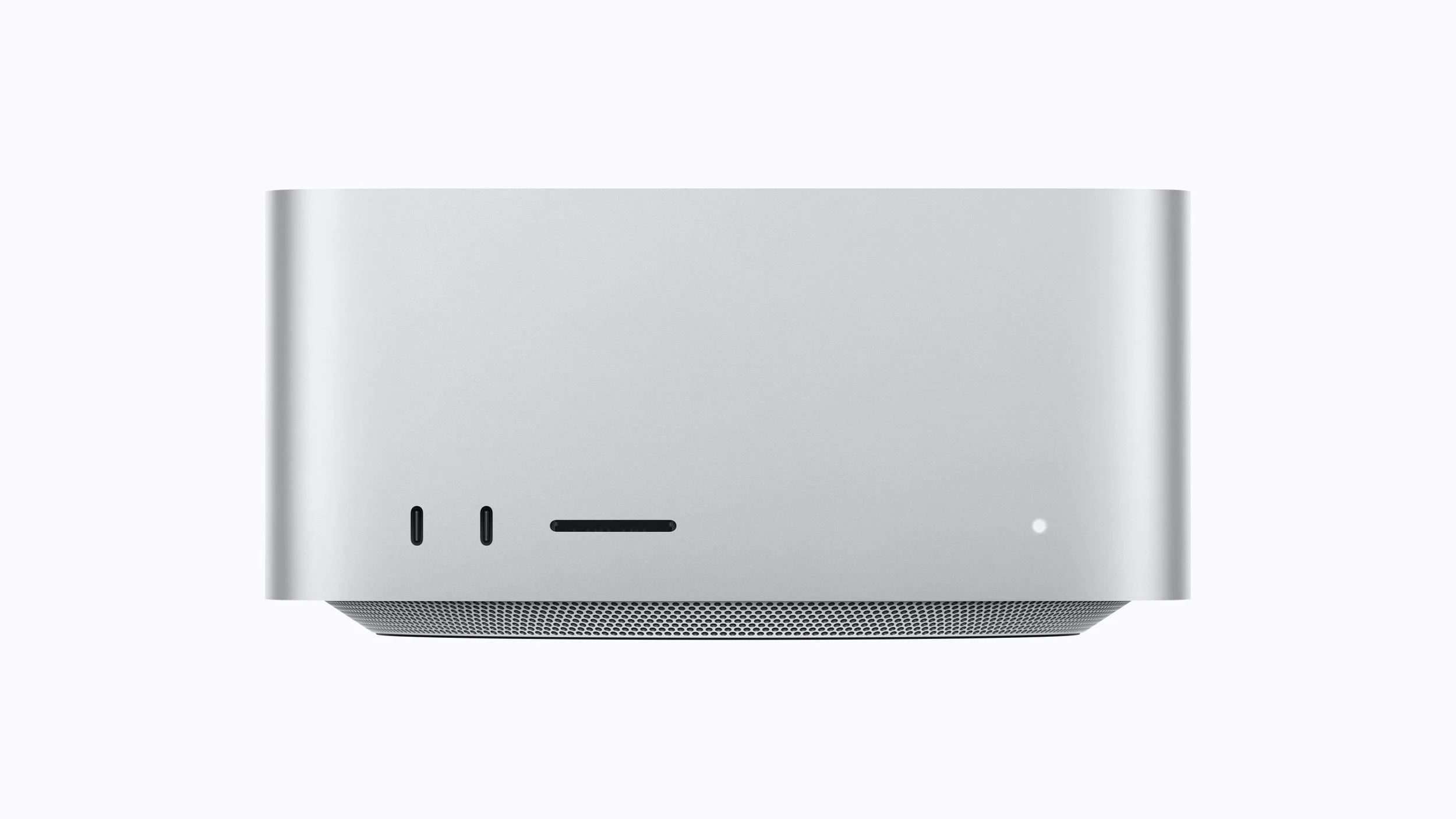
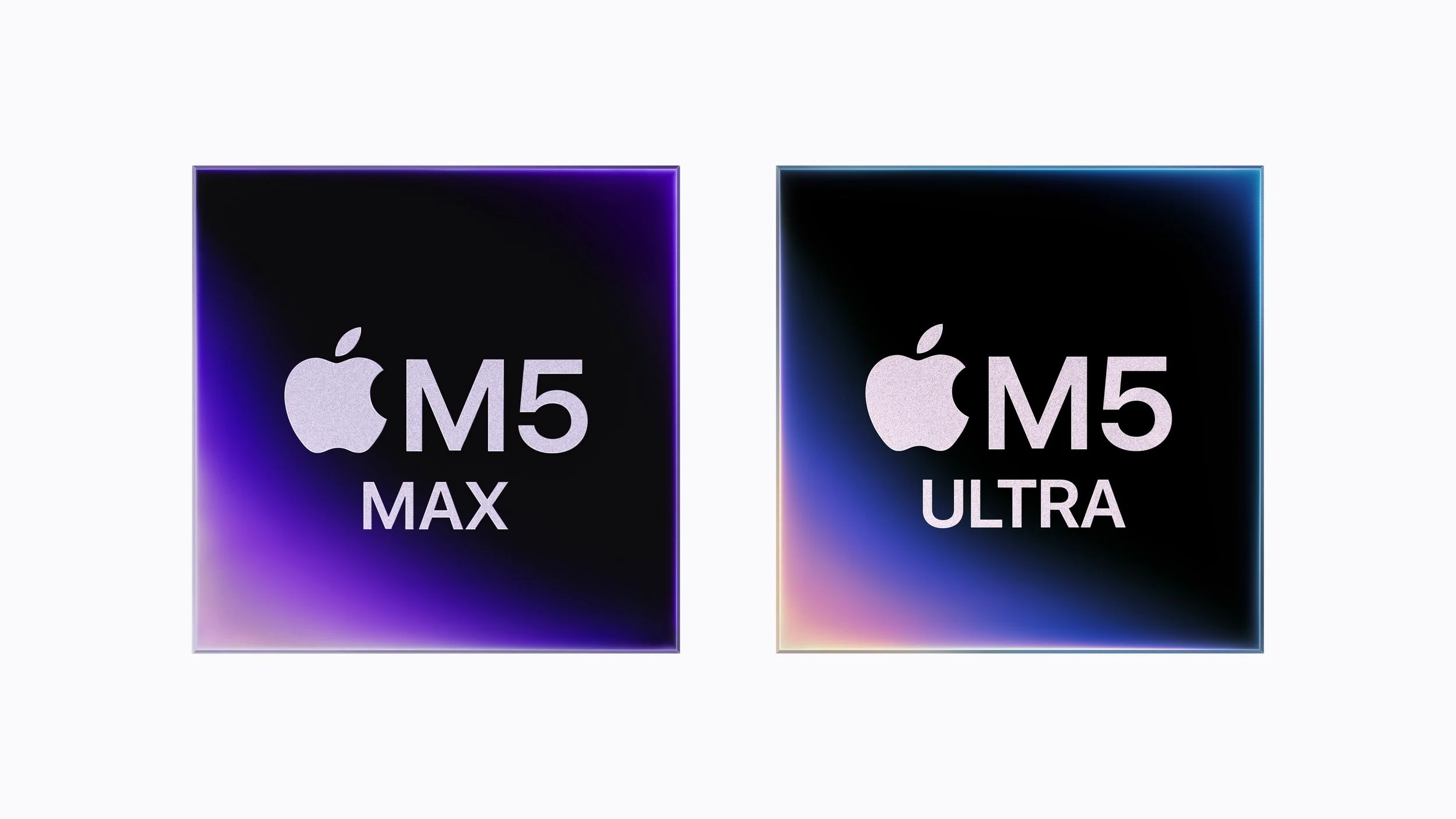
Apple's new Mac Studio brings two chips to the table — M5 Max and M5 Ultra — and like the Mac mini refresh, the real question isn't which one is faster. It's which one solves an actual problem you have. The Studio has always been the machine people reach for "just in case," and that instinct gets expensive fast when the thing you're chasing is a number on a spec sheet rather than a bottleneck in your own sessions. As with the mini, the deciding factor for most producers is memory, not CPU or GPU muscle. Apple silicon has had more than enough compute for real-time synthesis and mixing for years now — what actually stops a session cold is unified memory filling up: samples failing to stream, plugins refusing to load, freezes when you add one more instrument track. The previous-generation Studio topped out at 128GB on the Max chip and 512GB on the Ultra — the same ceilings the M5 generation ships with. What actually changed is bandwidth (up to 1.2TB/s on the Ultra, 50% higher than before) and, more importantly for producers, the fact that Neural Accelerators now sit in every GPU core on both chips, including the Ultra for the first time — making on-device AI tools genuinely fast rather than just technically possible.
Click here for more info about Apple computers and to check the current deals.
First, figure out if you're actually memory-limited
Same diagnostic as always: open Activity Monitor during your heaviest sessions and watch memory pressure. If you're seeing:
Sample-based instruments (orchestral, cinematic, deeply multi-sampled libraries) that stutter or fail to stream cleanly
Sessions with 20+ simultaneous plugin instances that start dropping voices or freezing on playback
Local AI tools (stem separation, mastering, generative sampling) competing with your DAW for memory and slowing both down
Regularly bouncing tracks to audio and freezing instruments just to keep a session usable
...that's a real memory bottleneck, and it's the only situation where the Ultra's headline spec (massive unified memory) actually pays off. If your sessions run fine and you just want more raw speed for exports, renders, or general snappiness, you're likely better served by the Max — or by not upgrading at all if you're already on M4 Max/Ultra.
Mac Studio with M5 Max: serious power, not extreme
M5 Max features an 18-core CPU (6 super cores, 12 performance cores) and an up-to-40-core GPU with Neural Accelerators in every core, delivering a real jump in on-device AI compute and graphics work over the previous generation. Unified memory scales up to 128GB, with 614GB/s of bandwidth.
In practice: this is a machine built for musicians, photographers, and designers who need serious, sustained performance in a compact footprint — fast compiles, fast renders, real-time 3D and motion graphics without stutter. For music production specifically, 128GB is a lot of headroom: enough for most large sample libraries, dense multitrack sessions, and simultaneous AI tools without hitting a wall.
Concretely, the M5 Max is for you if: you're a working producer running large libraries or heavy plugin chains, you occasionally do video or visual work alongside music (scoring, sync, content), or you want Studio-tier reliability without needing the most extreme ceiling available. This is the practical upgrade for most people who've outgrown a MacBook Pro or Mac mini.
Skip it if: your sessions run comfortably on your current machine and you're buying based on spec-sheet excitement rather than an actual bottleneck.
Mac Studio with M5 Ultra: built for the edge cases, not the average studio
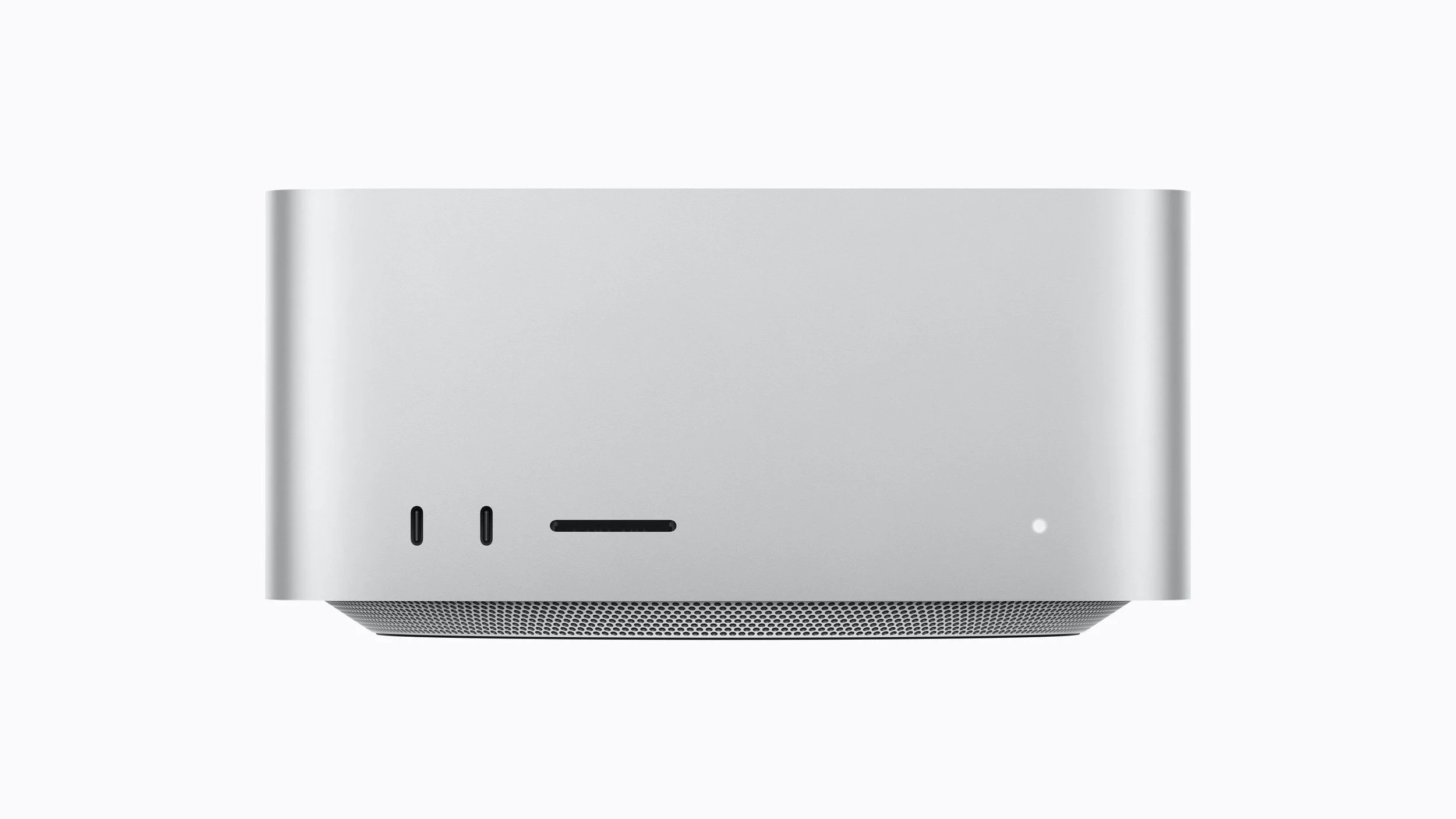
M5 Ultra is Apple's most powerful chip to date. The standard configuration ships with a 30-core CPU and a 64-core GPU, with a build-to-order option scaling up to a 36-core CPU and an 80-core GPU — both with Neural Accelerators in every core, a first for the Ultra line. Unified memory starts at 96GB and can be configured up to a staggering 512GB, with 1.2TB/s of bandwidth across the board — 50% higher than the previous Ultra.
In practice, this is overkill for the vast majority of music production. The 512GB tier matters if you're running enormous LLMs entirely on-device, doing frontier AI research, or working in fields adjacent to but not the same as beatmaking — VFX, scientific computing, massive dataset work. For music specifically, the only scenario where this genuinely helps is running truly massive sample libraries alongside heavy local AI processing simultaneously, or clustering multiple Mac Studios together for shared AI compute — a workflow that applies to almost no individual producer. Worth noting: there's no 128GB or 256GB step between the base 96GB and the jump to 256GB/512GB, so if you're drawn to the Ultra for "just a bit more than the Max," the pricing and config structure doesn't really support that — you're either on the Max's ceiling or committing to the Ultra's.
Concretely, the M5 Ultra is for you if: you're doing local AI model development or inference at a scale well beyond stem separation and mastering assistants, you're combining massive orchestral libraries with heavy generative AI tools in the same session, or your studio operates more like a small AI/production lab than a bedroom or project studio.
Skip it if: you're a music producer, full stop. This chip's real advantages are aimed at AI researchers, VFX studios, and scientific workloads — not beatmaking, even ambitious beatmaking.
So who should upgrade?
Hitting real memory pressure on large libraries or dense sessions, want it solved in a compact desktop: You can upgrade to the M5 Max. This is the practical Studio upgrade for producers.
Running local AI at a scale beyond typical production tools, or genuinely need hundreds of gigabytes of memory: You can upgrade to the M5 Ultra — but be honest with yourself about whether that's actually your workflow.
Comfortable on an M4 Max/Ultra, or considering a Studio "just in case": don't upgrade. The Studio is easy to justify emotionally and hard to justify with an actual session that needs it — make sure you have the latter before spending on the former.
The Mac mini with M5 Pro now covers a lot of the ground that used to require a base Studio, so if 64GB sounds like plenty, that's genuinely worth comparing before jumping straight to Max. The Studio still makes sense — just for a narrower slice of producers than the marketing suggests.
Disclosure: This site contains affiliate links. If you purchase through these links, I may earn a commission at no extra cost to you.