
MacBook Air M5: Should Music Producers Upgrade?

Apple has refreshed the MacBook Air with the M5 chip, and the pitch is familiar: faster performance, smarter AI, same ultra-portable design. For music producers, the Air has always been a compelling machine — capable enough for serious DAW work, light enough to take anywhere. The question, as always, is whether the new chip actually moves the needle. The short answer: it depends entirely on what you're upgrading from.
Click here for more info about Apple computers and to check the current deals.
What Changed With the M5
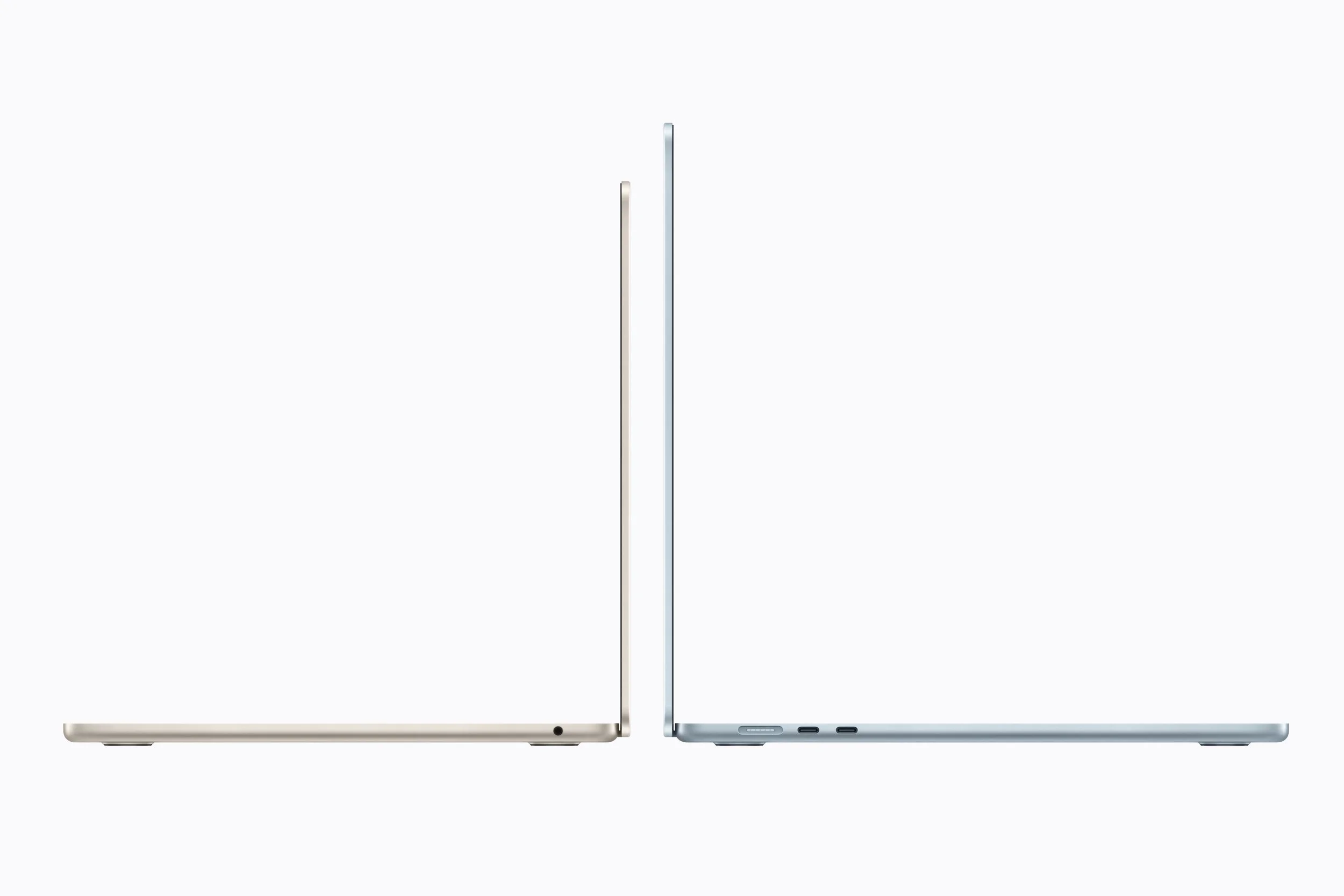
The MacBook Air's design is unchanged — the updates are all internal. The M5 brings a 10-core CPU (four performance cores, six efficiency cores), a choice of 8- or 10-core GPU, and a 16-core Neural Engine. Unified memory starts at 16GB.
Apple leans heavily on AI acceleration in its M5 marketing. For most DAW workflows today, that's largely irrelevant — but as tools like iZotope and Melodyne deepen their machine-learning features, the Neural Engine may earn its place over time. For now, the gains that matter to producers come from the CPU and memory side.
The base model now ships with 16GB of unified memory, up from 8GB on earlier entry-level configurations. That alone is a meaningful improvement for producers who previously had to pay extra just to get a usable starting point.
Real-World Performance in a DAW
The M5 MacBook Air will handle the vast majority of production workloads without complaint — dozens of tracks, multiple software instruments, and complex effect chains in Logic Pro, Ableton Live, or FL Studio. Where you'll feel the extra headroom most is with CPU-hungry synths: u-he Diva, Xfer Serum, Arturia Pigments, and Spectrasonics Omnisphere all push processors hard at high voice counts or quality settings. The M5's efficiency improvements give you more room before hitting CPU overload warnings.
That said, the jump from M2 or M3 is incremental, not transformative. The real performance revolution already happened with the Intel-to-Apple Silicon transition. Since then, each chip generation has offered meaningful but modest gains. If you're expecting the M5 to dramatically expand your track count versus an M3, you'll be disappointed.
RAM and Storage Matter More Than the Chip
Here's what most spec comparisons underemphasize: for music production, your RAM and storage choices will have a larger day-to-day impact than which Apple Silicon generation you're running.
The unified memory architecture is efficient, but it has a hard ceiling — and when you hit it, you feel it immediately. For producers working with Kontakt libraries, orchestral templates, or Omnisphere patches, 16GB can fill up faster than expected. If you plan to keep this machine for four or five years and your projects are growing, 24GB is the smarter configuration.
Storage is easier to work around — most producers already use external SSDs for sample libraries — but if you prefer keeping everything on the laptop, 1TB internal storage saves a lot of friction and file management headaches.
Bottom line: don't cheap out on RAM to save money on the chip tier. A well-configured M3 will outperform a base M5 in most production contexts.
13-inch vs 15-inch: Which Size Makes Sense
The MacBook Air is available in both 13-inch and 15-inch versions, and for producers the size choice is worth thinking through carefully.
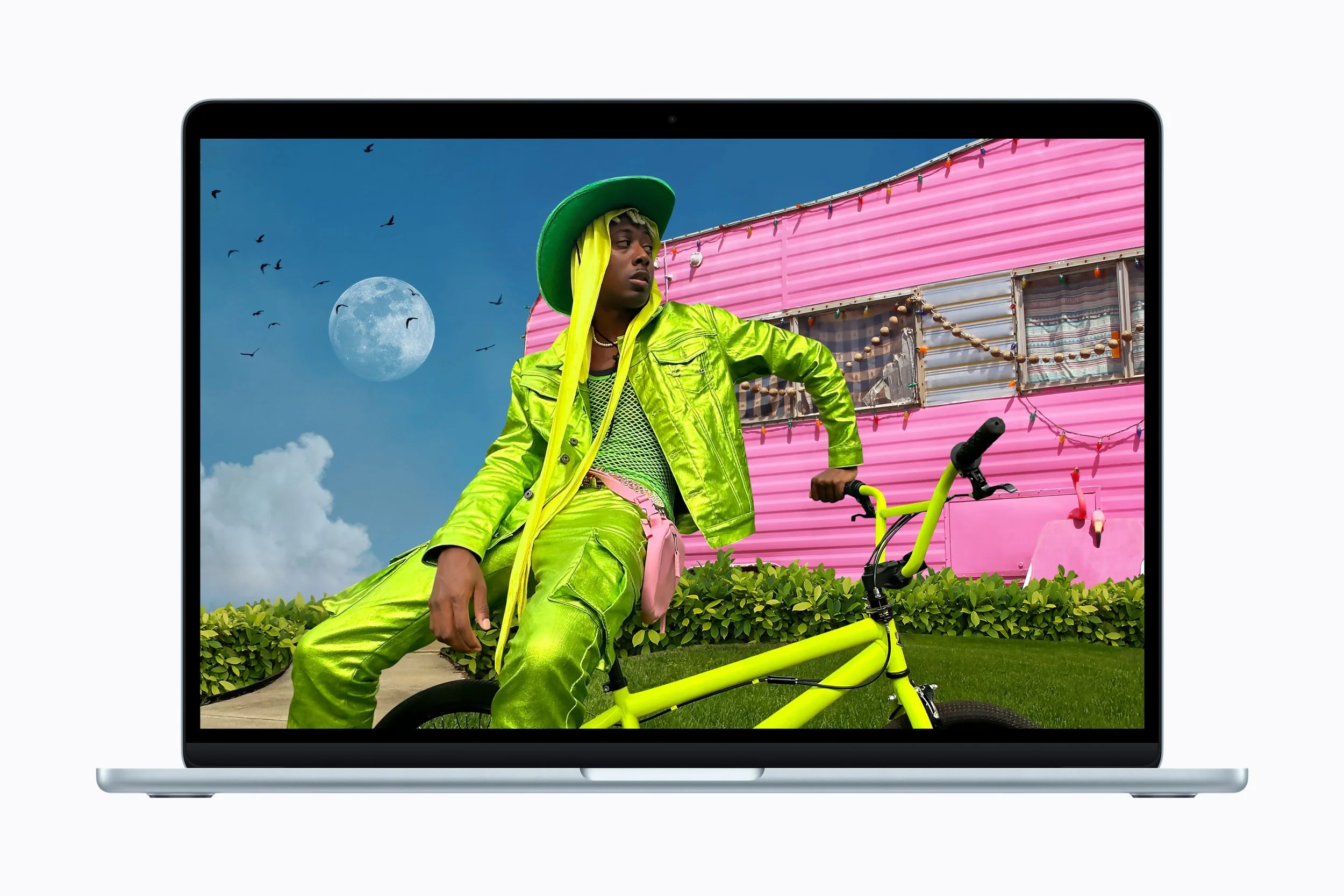
The 15-inch model gives you meaningfully more screen real estate for arranging tracks, editing automation, and managing plugin windows side by side — all without constantly zooming or scrolling. For long sessions at a desk, that extra space reduces fatigue in a way that's hard to quantify but easy to feel after a few hours of work.
The 13-inch model remains the better choice if portability is your priority. It's lighter and easier to slip into a bag for writing sessions in a café or on the road. If you regularly connect to an external monitor when working seriously, the screen size difference matters less — you get portability when you need it and screen space when you're set up.
Studio Setup and Connectivity
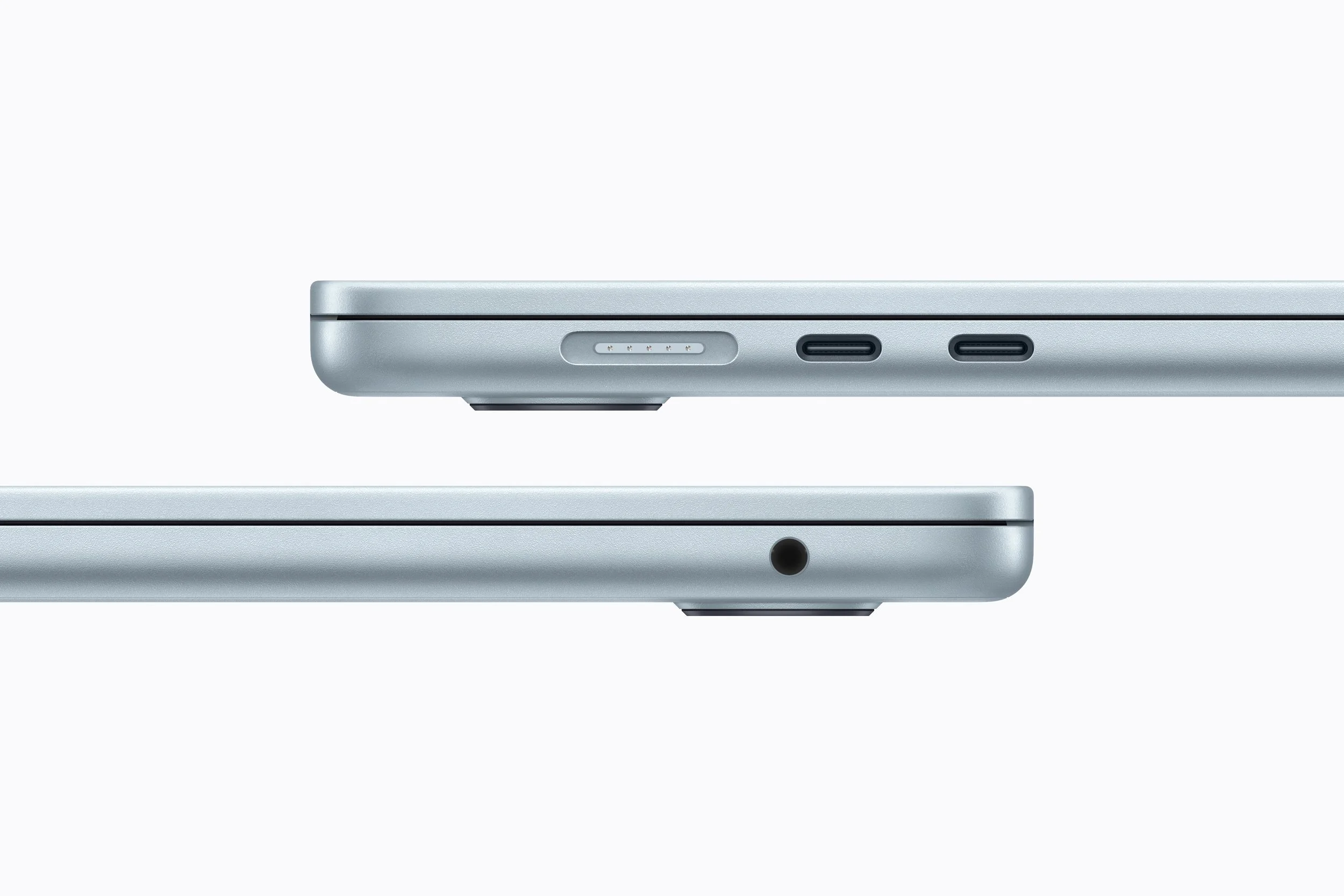
For producers who use the MacBook Air as part of a larger studio setup, connectivity is worth factoring in. The Air supports external displays via Thunderbolt / USB-C, letting you extend your workspace with a second monitor — useful for keeping your mixer, plugin windows, or arrangement view on a separate screen while you work.
It handles the typical studio peripheral stack without issue: audio interfaces, MIDI controllers, and external storage drives all connect cleanly through a hub or directly. If you rely on multiple simultaneous connections, a quality USB-C hub is still advisable since the Air has a limited number of ports.
Battery life is another genuine selling point, especially for producers who work outside the studio. Apple Silicon's efficiency means you can run full DAW sessions for hours without needing to stay plugged in — something Intel-era laptops never managed convincingly. For writing on the go, working in a rehearsal space, or producing while traveling, this matters more than any benchmark.
Video Editing and Content Creation: A Musician's Reality
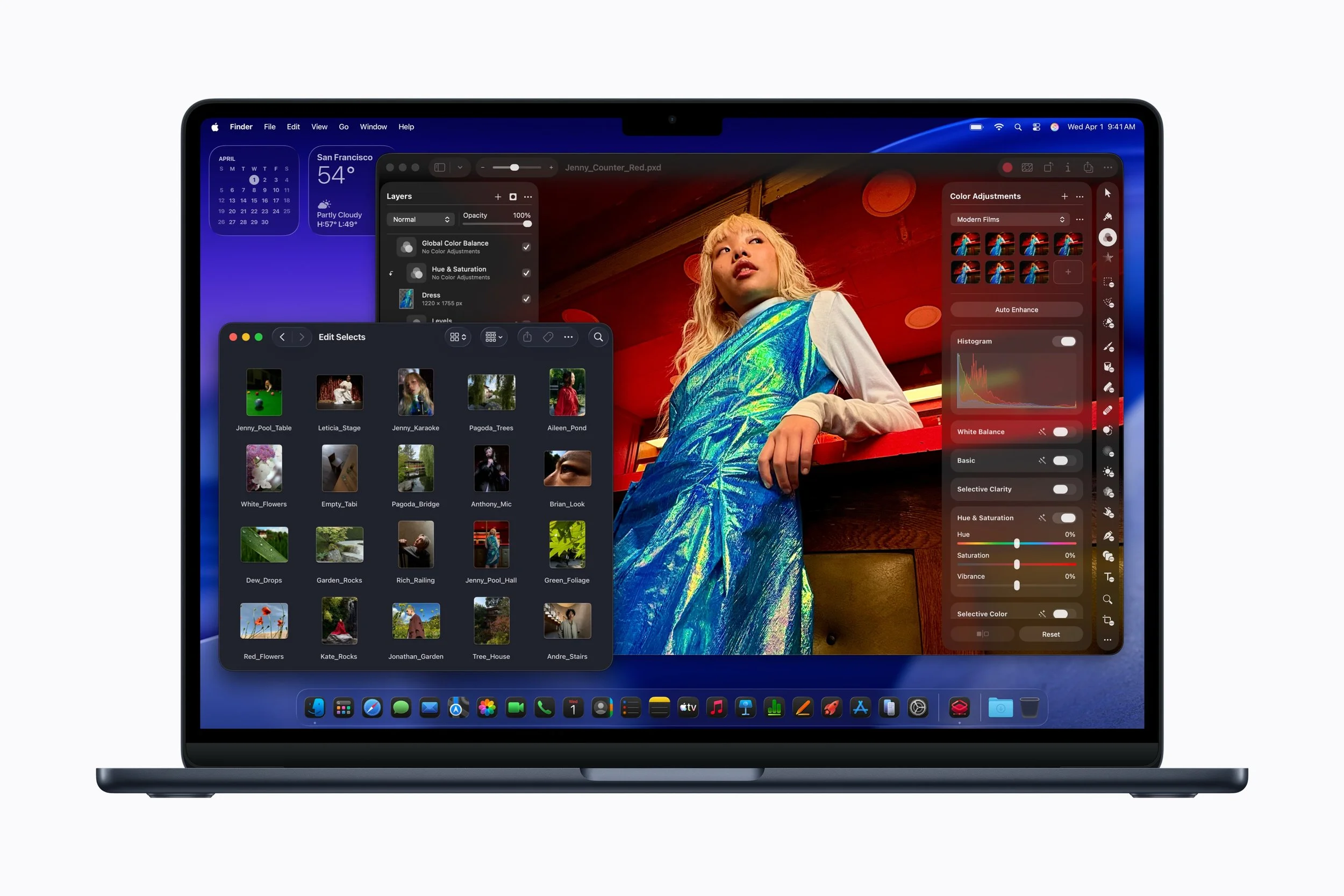
For most musicians today, content creation isn't optional — it's part of the job. Reels, YouTube videos, behind-the-scenes clips, and live session recordings all need to be edited and posted regularly. The good news is the M5 MacBook Air handles this workflow without requiring a separate machine.
The M5's GPU handles smooth 4K video editing, which covers everything most musicians will need — performance clips, studio vlogs, and short-form content for social platforms. The internal SSD now starts at 512GB and is dramatically faster than the previous generation, which makes a real difference when working with large video files alongside your audio sessions on the same drive.
Final Cut Pro is the obvious pairing here — it runs exceptionally well on Apple Silicon and keeps export times short, which matters when you're trying to turn around content quickly between sessions.
The one limitation worth knowing: the Air has no fan and relies entirely on passive cooling, so the base can get warm during longer exports. It doesn't affect performance, but it's noticeable. If you're regularly cutting high-resolution RAW footage from a cinema camera, a MacBook Pro would serve you better. For everything else a working musician realistically needs to post online, the M5 Air is more than enough.
Should You Upgrade?
Yes, if you're on an Intel Mac. The difference is night and day — better performance, dramatically better battery life, no fan noise during heavy sessions. The M5 Air will feel like a new category of machine.
Yes, if you're buying new. It's the best MacBook Air Apple has built, and the 16GB base configuration finally makes the entry-level model genuinely usable for music production without immediate upgrades.
Probably not, if you're on M2 or M3. Your sessions will run slightly smoother, but the improvement won't change how you work. Put that money toward better monitors, an upgraded audio interface, or expanding your sample library.
Maybe, if you're on M1 with 8GB. If you're regularly bumping into memory limits, the combination of a faster chip and more RAM makes a real case for upgrading — though a discounted M3 with 16GB would achieve much the same result for less.
Read this next
The Best Lofi Plugins: All the VSTs You Need to Make Chill Hip Hop Beats
Output Arcade vs. Splice: Which One Should You Use?
The Best VST Synth Plugins for Trap Type Beats
What You Need to Start DJing: The Ultimate Beginner’s Guide
Disclosure: This site contains affiliate links. If you purchase through these links, I may earn a commission at no extra cost to you.