
MacBook Neo for Music Producers: Should You Buy Apple's Cheapest Mac Ever?

Apple just released something genuinely strange: a $799 CAD / $599 USD MacBook that doesn't have an M-series chip. The MacBook Neo runs on the A18 Pro — the same silicon inside the iPhone 16 Pro — and it's the most affordable laptop Apple has ever sold. For music producers, that raises an obvious question: does the price tag make this a smart buy, or a trap? The answer isn't simple. It depends entirely on what you do, how big your sessions get, and what you're coming from.
Click here for more info about Apple computers and to check the current deals.
What's New: An iPhone Chip in a MacBook
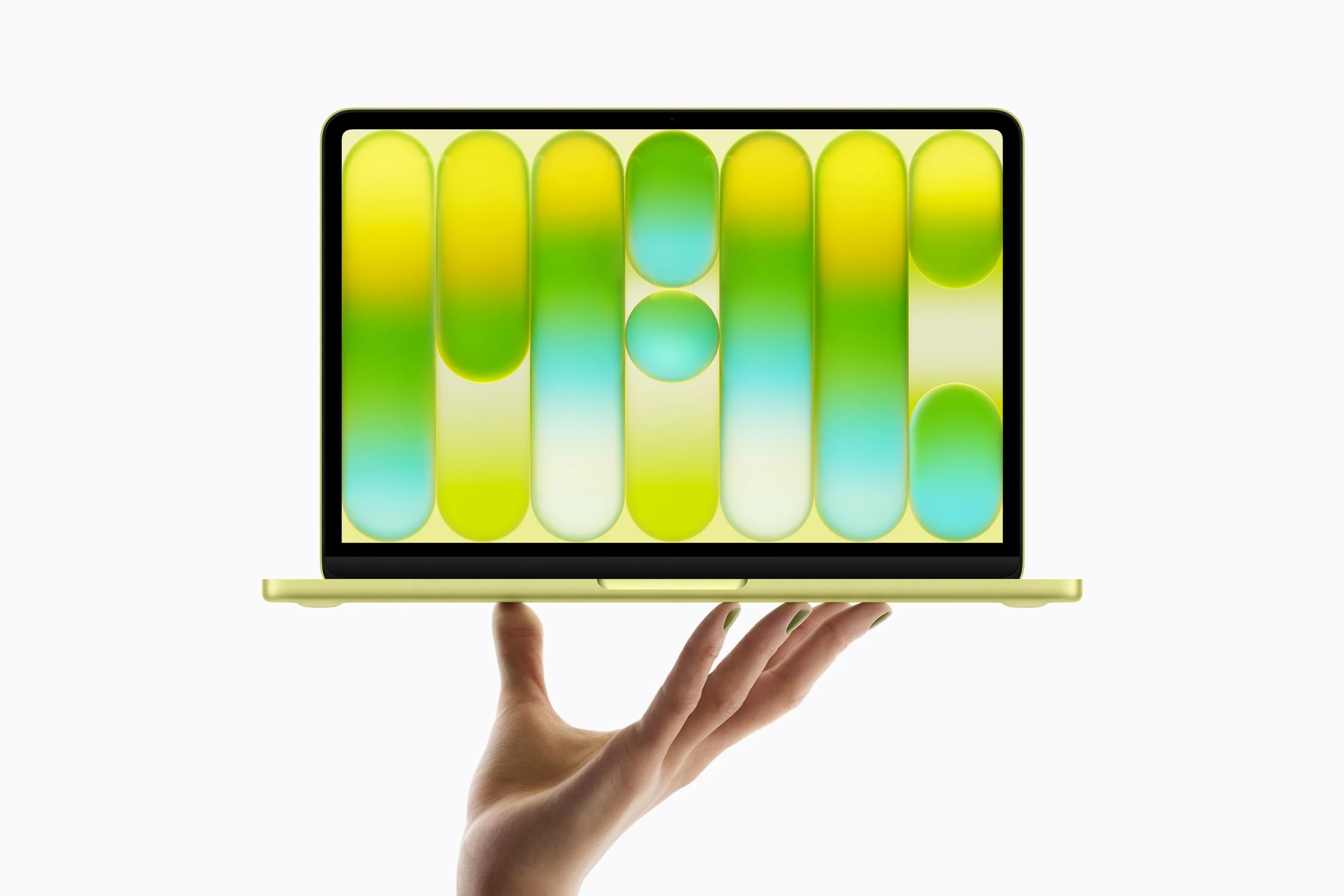
The MacBook Neo is a new product category for Apple, not a MacBook Air refresh. The hardware is genuinely nice for the price: aluminum build, 13-inch Liquid Retina display at 2408×1506 resolution, up to 16 hours of battery life, and a fanless chassis — all at 2.7 pounds. It comes in four colors (blush, indigo, silver, citrus) and ships with macOS Tahoe, so all your software just works out of the box.
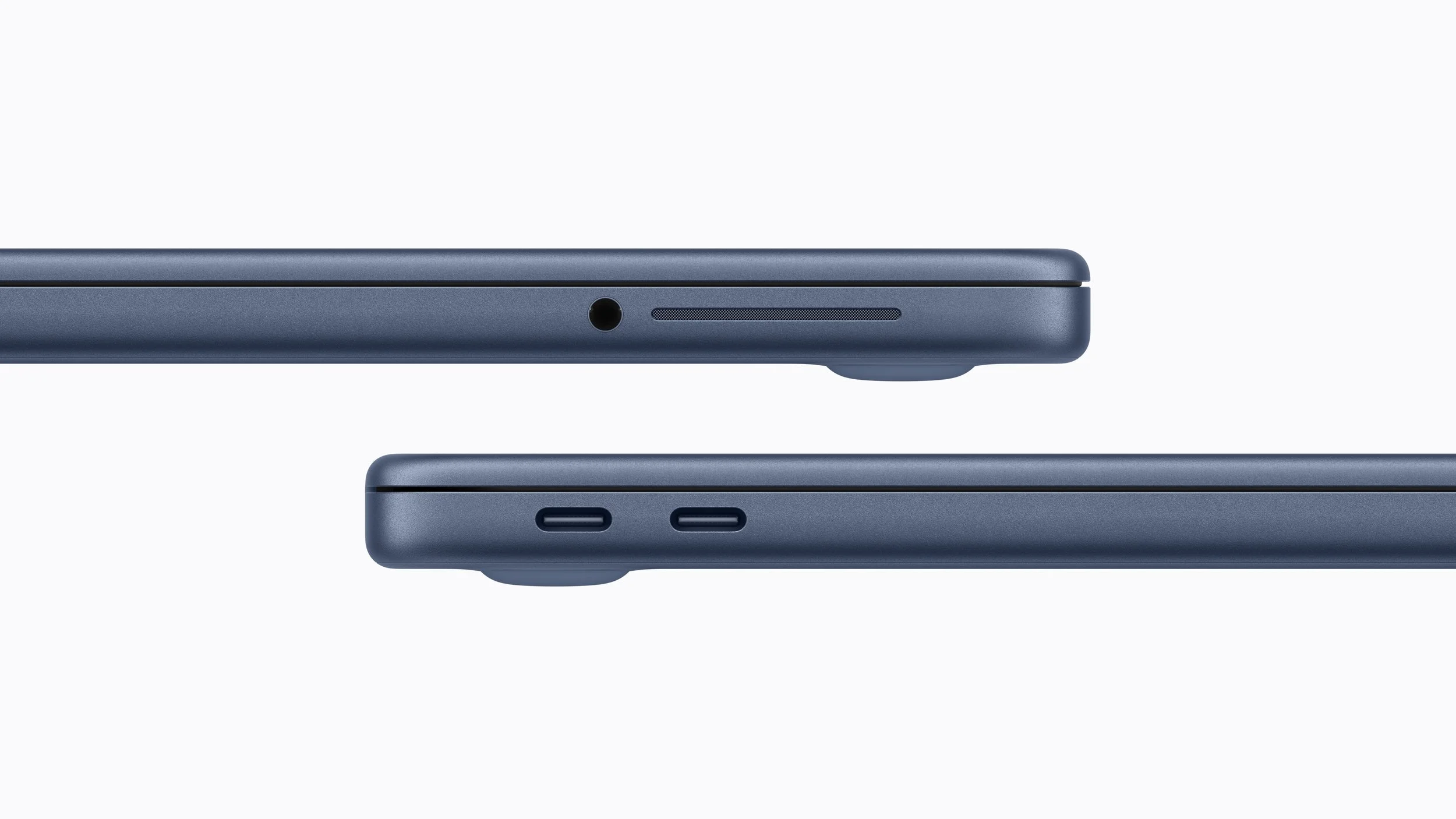
The chip is where it gets complicated. The A18 Pro features a 6-core CPU with 2 performance cores and 4 efficiency cores, a 5-core GPU, and a 16-core Neural Engine. Unified memory is fixed at 8GB with no upgrade option — the only configurable spec is storage, which goes from 256GB to 512GB. There's no Thunderbolt, just two USB-C ports (one USB 3, one USB 2), plus a headphone jack.
Real-World Performance in a DAW: The Threading Problem Nobody Is Talking About
Here's what makes the Neo tricky for producers: your DAW choice matters more than it ever has.
Logic Pro and Ableton Live still funnel real-time audio through only 2 performance cores, leaving the remaining four efficiency cores largely untouched. REAPER, Cubase, Pro Tools, and Studio One access all six. On a chip with a modest core count, that threading gap is no longer hidden by raw headroom the way it is on an M3 Pro. If Logic or Ableton is your primary DAW, you're essentially getting a 2-performance-core machine for audio processing purposes.
That puts the Neo at roughly 40 usable tracks in Logic under typical conditions — on par with an M1 MacBook Pro. That's a computer people are still actively using in 2026, which reframes the value proposition considerably. In stress tests using REAPER, a 100-track, 143-plugin professional mix played back cleanly at 35% CPU — the multi-core access making a significant difference at that workload level.
One thing that surprised reviewers: more than 20 Analog Labs instances running simultaneously before the machine started to struggle — not bad for a fanless laptop built on a phone chip. And the fanless design itself is a legitimate win: zero fan noise during tracking sessions is genuinely valuable if you're recording vocals or acoustic instruments in the same room as your laptop.

The Spec That Matters Most: 8GB of RAM, Hard-Locked
This is the make-or-break number for most producers.
8GB of unified memory is not upgradeable. If you outgrow it, your only option is a new laptop. Apple's memory architecture is efficient and handles compression well, but the ceiling is real. Large third-party sample libraries like Spitfire and Kontakt will push memory pressure into the yellow with moderate project sizes. Logic's stock orchestral libraries sit around a 2GB footprint, so lighter template work is fine — but if your workflow involves stacking Kontakt instruments or running Omnisphere alongside a full mix, you'll feel the squeeze.
The only upgrade option is bumping the 256GB SSD to 512GB — there's no path to more RAM. Plan accordingly, because this is the decision you live with for as long as you own the machine.
On connectivity: no Thunderbolt support means lower-latency, higher-bandwidth audio interfaces that rely on Thunderbolt won't work here. Most USB audio interfaces will connect fine through the USB 3 port, but check your interface specs before buying.

Studio Setup and Workflow Considerations
The Neo's fanless design and 16-hour battery life make it genuinely excellent for writing on the road, in rehearsal spaces, or away from your studio. That's a legitimate use case where the machine earns its price.
For a fixed studio setup, the connectivity picture is tighter than a MacBook Air. One USB-C port operates at USB 3 speeds, the other at USB 2 speeds, with no Thunderbolt support — so heavy peripheral setups will need a hub, and you should be selective about what you chain together. External display support is limited to a single 4K monitor via the USB 3 port only.
One underrated upside: all of Logic Pro 12's current AI features work on the Neo. Stem Splitter, Session Player, and ChromaGlow all require Apple Silicon — and A18 Pro qualifies. The assumption that an iPhone chip means a stripped-down Logic experience is wrong.
For content creation — Reels, YouTube, short-form session footage — the Neo handles it. The A18 Pro includes hardware ProRes encode and decode, and its single-core CPU performance is actually faster than the M1. Editing a performance clip or studio vlog in Final Cut Pro will run without drama.
Should You Buy It?
Yes, if you're a beginner or student. For a bedroom producer or someone just starting out, this is a capable machine. Working within constraints also tends to produce more efficient sessions — a habit worth building early. At $799 CAD, the Mac ecosystem, GarageBand, Logic Pro access, and macOS stability are a genuine deal.
Yes, if you want a cheap road machine and have a more powerful setup at home. For the producer with a Mac Studio or Mac Pro in the studio who wants something light for sketching ideas on a train or finishing a mix from a hotel room, the Neo is a natural fit. It's not a compromise if you're not asking it to be your main workstation.
No, if Logic or Ableton is your primary DAW and your sessions are growing. The 2-performance-core ceiling for audio threads, combined with hard-locked 8GB RAM, will cause real friction as your projects scale. A MacBook Air M4 or M5 with 16GB gives you four performance cores for audio, double the RAM, and Thunderbolt — it costs more, but it's a fundamentally different machine for production work.
No, if you use Kontakt-heavy libraries, large orchestral templates, or stack multiple virtual instruments. You'll hit the memory ceiling faster than expected, and there's no way out except buying a new laptop.
Maybe, if you're on an old Intel MacBook. The A18 Pro's single-core performance edges out older M1 chips in some benchmarks, the battery life is vastly better, and the machine runs silent. If your sessions are modest and your Intel machine is genuinely struggling, the Neo is a reasonable move — though a discounted M2 MacBook Air with 16GB would serve most producers better for close to the same money.
Disclosure: This site contains affiliate links. If you purchase through these links, I may earn a commission at no extra cost to you.